AMD vs NVIDIA on Linux: The Ultimate 2026 Driver Showdown
If you’re building a Linux rig in 2026, choosing between AMD and NVIDIA isn’t just about raw performance anymore. The driver situation has fundamentally changed, Wayland is becoming mandatory, and AI workloads are exploding. This isn’t your 2022 Linux GPU guide—things have shifted dramatically.
Here’s what you need to know: NVIDIA finally fixed their Wayland nightmare with explicit sync in the 555 drivers (and refined it in the 570 series). AMD discontinued their proprietary driver stack entirely, going all-in on open source. And for the first time in years, both vendors are genuinely competitive on Linux.
Whether you’re gaming, creating content, training AI models, or just want a stable desktop, this guide breaks down everything you need to make the right choice. No filler, no outdated advice—just the real-world state of AMD vs NVIDIA on Linux in 2026.
Linux GPU Drivers Explained (Beginner-Friendly)
Before diving into the showdown, let’s clarify what makes Linux graphics different from Windows.

Open-Source vs Proprietary Drivers
On Windows, GPU drivers are always proprietary—closed-source code from AMD or NVIDIA. Linux offers both worlds.
Open-source drivers mean the code is publicly available, maintained by the community, and integrated directly into your Linux kernel. This creates a “just works” experience where your GPU functions out-of-the-box without downloading anything extra. Updates come through your normal system updates.
Proprietary drivers are closed-source blobs from the manufacturer. They often provide better performance for specific workloads but require manual installation and can break during kernel updates.
ℹ️ Major Linux GPU Driver Shift (2025–2026)
AMD completed its transition to a fully open-source Linux graphics stack,
officially discontinuing AMDVLK in May 2025 and consolidating development around
the in-kernel AMDGPU driver and Mesa RADV.
NVIDIA, meanwhile, opened its Linux kernel modules to improve kernel and Wayland
integration, but continues to keep critical userspace components proprietary—maintaining tight
control over performance, CUDA, and advanced features.
Kernel, Mesa, and the Graphics Stack
Understanding these three components helps explain why Linux graphics work differently:
Linux kernel DRM (Direct Rendering Manager) is the foundation that manages communication between your GPU and display. Both AMD and NVIDIA drivers interact with this layer.
Mesa is the open-source graphics stack implementing OpenGL, Vulkan, and other APIs. AMD’s RADV Vulkan driver lives here, as does the open-source NVIDIA Nouveau driver. Mesa gets updated independently from your kernel, bringing frequent performance improvements.
X11 vs Wayland in 2026: X11 is the legacy display server, stable but showing its age. Wayland is the modern replacement, offering better security, smoother animations, and proper multi-monitor handling. The critical detail: major distros like Fedora and Ubuntu have deprecated X11 in 2025-2026. KDE Plasma 6.8 removed X11 support entirely. If your GPU doesn’t work well on Wayland, you’re in trouble.
AMD Drivers on Linux in 2026
AMDGPU Open-Source Driver Overview
AMD’s approach is refreshingly simple: everything is open source and built into the kernel.
The AMDGPU driver is your GPU’s kernel-level interface, handling hardware initialization and memory management. It’s been stable and mature since around 2019, supporting everything from budget RX 6400s to flagship RX 9000 series cards.
Mesa RADV is AMD’s open-source Vulkan driver, and it’s become genuinely impressive. The ACO shader compiler (also open source) compiles shaders faster than AMD’s own proprietary LLVM compiler. In testing, RADV on Ryzen AI Max+ beat the old proprietary driver by 10%.
On most distributions, you literally plug in your AMD card and everything works. No driver downloads, no configuration files to edit, no signing hassles with Secure Boot. Your distro’s latest kernel and Mesa packages handle everything.
AMD Proprietary Components (AMDGPU-PRO)
Here’s the plot twist: as of May 2025, AMD discontinued their AMDVLK proprietary Vulkan driver entirely. The company is betting everything on open source.
AMDGPU-PRO still exists but is now primarily for enterprise workstations running certified professional applications like certain CAD packages. For 99% of users, including gamers and most creators, you don’t need it and shouldn’t use it—the open-source stack is actually faster.
The only time you might need AMDGPU-PRO components is for specific professional certifications or if you’re running legacy enterprise software that explicitly requires them.
AMD Strengths on Linux
Plug-and-play experience: Boot any modern Linux distro with an AMD GPU and it just works. No driver installation, no kernel signing, no compatibility checking. This alone makes AMD the recommendation for Linux newcomers.
Excellent Wayland support: AMD integrated near-perfectly with Wayland years ago. Smooth multi-monitor setups, fractional scaling, variable refresh rates—it all works out of the box. Since Wayland is now mandatory on major distros, this is huge.
Strong community development: Because AMD’s drivers are open source, bugs get fixed faster. The community actively contributes improvements, and distro maintainers can patch issues immediately without waiting for AMD.
Stable kernel updates: Rolling-release distros like Arch can update their kernel without worrying about breaking AMD drivers. Everything’s integrated, so updates are seamless.
AMD Weaknesses on Linux
Ray tracing maturity: While AMD’s ray tracing hardware works on Linux, the performance gap versus NVIDIA is significant. In testing, NVIDIA’s ray tracing implementation was 30-50% faster in demanding scenes.
AI and CUDA alternatives: ROCm is improving rapidly—Ubuntu 26.04 will include it natively, and AMD released ROCm 7.0 in mid-2025. But CUDA still has better ecosystem support, more documentation, and fewer hardware compatibility headaches.
Pro application certification gaps: Many professional apps are certified specifically for NVIDIA hardware. While AMD cards work fine technically, you might lose official support from software vendors.
NVIDIA Drivers on Linux in 2026
NVIDIA Proprietary Driver Overview
NVIDIA’s Linux story is more complex. They’ve opened significant portions of their driver but still maintain proprietary userspace components.
The proprietary NVIDIA driver delivers excellent performance but requires manual installation on most distros. You need to download it from NVIDIA’s website, add a PPA, or use your distro’s proprietary driver manager. Secure Boot adds another layer of complexity requiring key signing.
The 555 driver series introduced explicit sync support in June 2024, and the 570 series refined it throughout 2025. These are the drivers that finally made NVIDIA usable on Wayland.
NVIDIA Open Kernel Modules (Current Status)
In a significant shift, NVIDIA released open-source kernel modules for Turing (RTX 20 series) and newer GPUs. As of 2025, these are the default on supported hardware.
What’s open: The kernel modules that interface with the Linux kernel are now open source. This means better integration, faster bug fixes, and improved compatibility with new kernel versions.
What’s still closed: The userspace components (OpenGL, Vulkan implementations, CUDA) remain proprietary. You’re still installing NVIDIA’s closed-source blob for the actual graphics functionality.
Performance is essentially identical between proprietary and open kernel modules. The main benefit is better kernel compatibility and the ability for distro maintainers to fix issues.
NVK, the open-source Mesa Vulkan driver for NVIDIA, became viable in 2025. It’s usable for basic gaming but still lags behind the proprietary driver significantly in performance.
NVIDIA Strengths on Linux
Best-in-class gaming performance: In raw FPS, NVIDIA still edges out AMD in most games, especially at higher resolutions. The RTX 5090 and 5080 dominate the high-end market.
CUDA dominance for AI and ML: If you’re running machine learning workloads, CUDA is the ecosystem. PyTorch, TensorFlow, and virtually every AI framework prioritize CUDA support. Local LLM inference, Stable Diffusion, and training workflows all run better on NVIDIA.
Ray tracing and DLSS superiority: NVIDIA’s RT cores are mature and fast. DLSS 4’s transformer model produces genuinely impressive image quality, often better than native resolution. While DLSS support on Linux requires Proton for many games, it works well when supported.
Professional app certifications: DaVinci Resolve, Blender’s OptiX renderer, and most professional 3D applications are certified for NVIDIA hardware. You get official support and guaranteed compatibility.
NVIDIA Weaknesses on Linux
Wayland friction (still improving): The 555 and 570 drivers fixed major Wayland issues with explicit sync, but problems remain. Some users report Steam client glitches, HDMI 2.1 regressions, and occasional flickering. It’s usable now, but not as smooth as AMD.
Driver breakage after kernel updates: Because NVIDIA drivers are externally compiled (DKMS modules), kernel updates can break them. You might boot into a black screen after an update and need to rebuild drivers manually. Rolling-release distro users know this pain well.
Secure Boot & DKMS issues: Enabling Secure Boot requires signing your NVIDIA driver modules. It’s not difficult but adds complexity that AMD users never face.
Slower distro integration: Distros can’t ship NVIDIA drivers in their base repos due to licensing. You always need to add external sources or use proprietary driver managers. Updates lag behind AMD by weeks or months.
Gaming on Linux – AMD vs NVIDIA
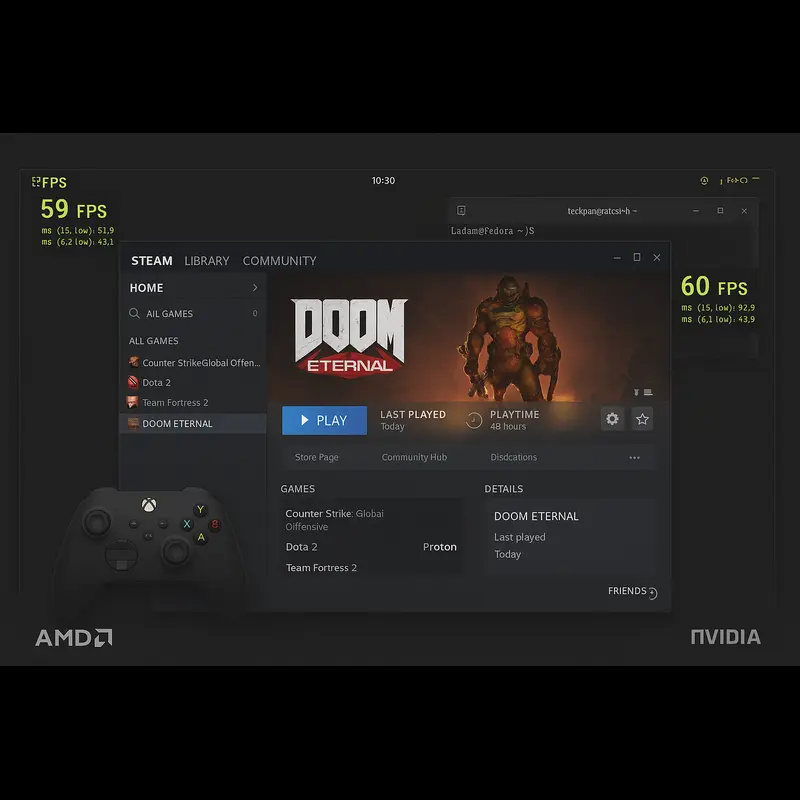
Steam, Proton, and Vulkan Performance
In 2026, Linux gaming is in a surprisingly good place thanks to Valve’s Proton compatibility layer.
AMD RADV vs NVIDIA Vulkan: In native Vulkan games, performance is close. AMD’s RADV driver uses the ACO shader compiler which compiles shaders faster than NVIDIA’s implementation, reducing initial stuttering. NVIDIA edges ahead in raw FPS, but the difference is often within 5-10%.
Shader compilation stutter: This is where AMD has a clear advantage. Games compile shaders during gameplay, causing momentary freezes. AMD’s ACO compiler finishes this work faster, making gameplay smoother. NVIDIA’s proprietary driver is slower here, though it’s improved in recent versions.
In testing across multiple games, AMD cards showed 4.6% lower performance than Windows at 1080p, while NVIDIA showed 17.7% lower performance. That gap matters.
FPS Benchmarks (General Trends)
Based on early 2025 testing data:
Native Linux games: Performance is excellent on both vendors. Vulkan-native titles like Doom Eternal run within 5% of Windows performance on both AMD and NVIDIA.
Windows games via Proton: AMD cards lose less performance through Proton translation. The RX 7700 XT was only 4.6% slower on Linux versus Windows, while the RTX 4060 Ti was 17.7% slower. The gap widens at 1440p resolution.
Ray tracing performance: This is NVIDIA’s territory. With ray tracing enabled, Windows was 57.6% faster than Linux on NVIDIA hardware. AMD’s gap was even larger at 53.1%, but the absolute performance still favored NVIDIA.
Features Comparison
AMD FSR vs NVIDIA DLSS: FSR 4 (exclusive to RX 9000 series) is finally competitive with DLSS 4. Both use AI hardware, both support frame generation, and image quality is surprisingly close. In testing, FSR 4 was actually faster than DLSS 4 in several games while maintaining good visual quality.
The key difference: FSR works on any GPU through Proton-GE, while DLSS requires RTX hardware. For upscaling flexibility, AMD wins. For absolute image quality, DLSS 4’s transformer model still has a slight edge.
Frame generation support: Both vendors support frame generation on Linux through Proton Experimental. DLSS 3 frame gen requires RTX 40 series or newer. FSR 3 frame gen works on RDNA 2 and up. Both deliver meaningful FPS boosts, though NVIDIA’s implementation is more mature.
Ray tracing support on Linux: Both work, but NVIDIA is significantly faster. If ray tracing is important to your gaming, NVIDIA is the clear choice despite the Linux performance penalty.
Wayland vs X11 – GPU Compatibility in 2026
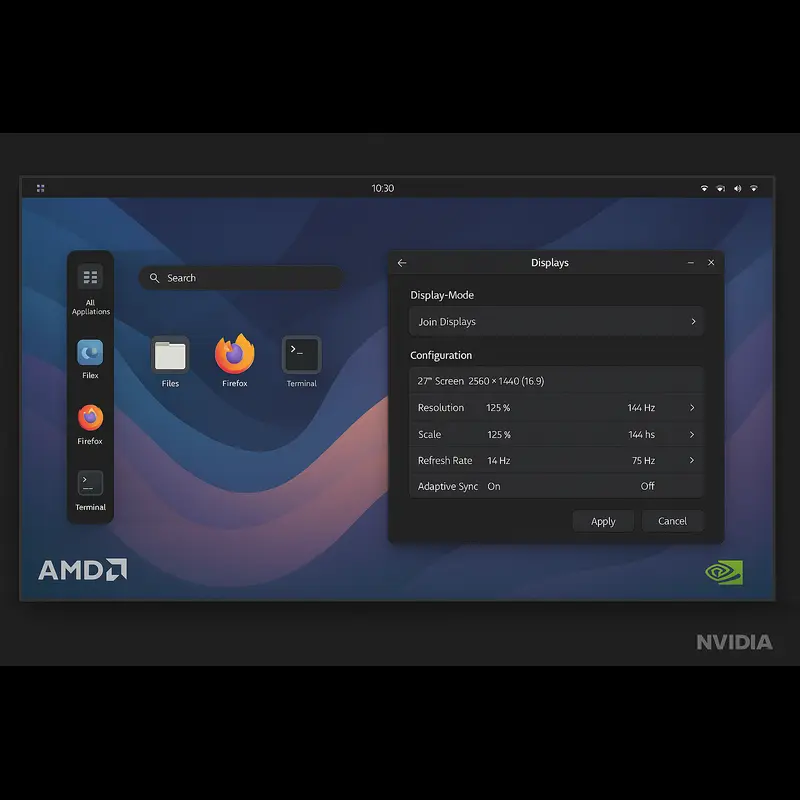
This section is critical because X11 is effectively dead in 2026.
AMD on Wayland
Near-perfect Wayland integration: AMD cards have worked flawlessly on Wayland for years. The open-source driver’s implicit sync model matches what Wayland compositors expect.
Smooth multi-monitor support: Running different refresh rates on multiple monitors? No problem. 144Hz + 60Hz configurations just work on AMD. Each monitor operates in its own refresh loop without stuttering.
Fractional scaling (125%, 150%) renders crisp text and UI elements. AMD users can confidently run any Wayland desktop environment without worrying about compatibility.
NVIDIA on Wayland
Explicit Sync improvements: The game-changer came with the 555 driver in June 2024. NVIDIA finally adopted the linux-drm-syncobj-v1 protocol, implementing explicit synchronization.
This fixed the infamous flickering on GNOME 46 and KDE Plasma 6.1. Before explicit sync, Wayland on NVIDIA was a disaster—black screens, graphical glitches, and crashes. The 555 and 570 drivers transformed the experience.
Remaining pain points: It’s usable but not perfect. The 570 driver series introduced some bugs—Steam client issues on Ubuntu, HDMI 2.1 regressions. Some users still report occasional flickering with certain compositor configurations.
Fractional scaling improved but can still show blurry XWayland applications at non-integer scales. The 570 series added tearing-control-v1 support which helps, but it’s not as polished as AMD’s experience.
Current distro recommendations: Ubuntu 24.10 and Fedora 40+ default to Wayland for NVIDIA users. This wouldn’t have happened without the explicit sync fixes. If you’re running older drivers (anything before 555), stay on X11 or upgrade immediately.
Content Creation & Professional Workloads
Video Editing (DaVinci Resolve, Kdenlive, Blender)
GPU acceleration support: DaVinci Resolve officially supports NVIDIA CUDA. AMD support exists through OpenCL but isn’t officially certified. In practice, NVIDIA users have fewer headaches.
Kdenlive and Blender work well on both vendors. Blender’s Cycles renderer supports both CUDA (NVIDIA) and HIP/ROCm (AMD), with NVIDIA’s OptiX offering the fastest ray-traced renders.
Render stability: NVIDIA’s NVENC hardware encoder is superior for export workflows. It’s faster and produces better quality-per-bitrate than AMD’s VCN encoder. For professional video work, this matters significantly.
3D Modeling & Rendering
Blender Cycles AMD vs NVIDIA: In production rendering, NVIDIA’s OptiX backend is fastest. HIP on AMD works and delivers good performance, but OptiX is more mature with better denoising.
OpenCL vs CUDA vs OptiX: Most professional 3D applications still prioritize CUDA. While OpenCL support exists for AMD, you’ll find more render engines, plugins, and community support on NVIDIA hardware.
Creative App Certification
Why NVIDIA dominates enterprise workflows: Software vendors certify their applications on NVIDIA Quadro/RTX Pro hardware. While consumer GeForce cards work fine, enterprise buyers want official support guarantees.
AMD’s growing presence: AMD’s Pro cards are gaining ground, but slowly. Ubuntu 26.04 adding native ROCm support helps, but the ecosystem gap remains significant for professional users.
AI, Machine Learning & Compute on Linux
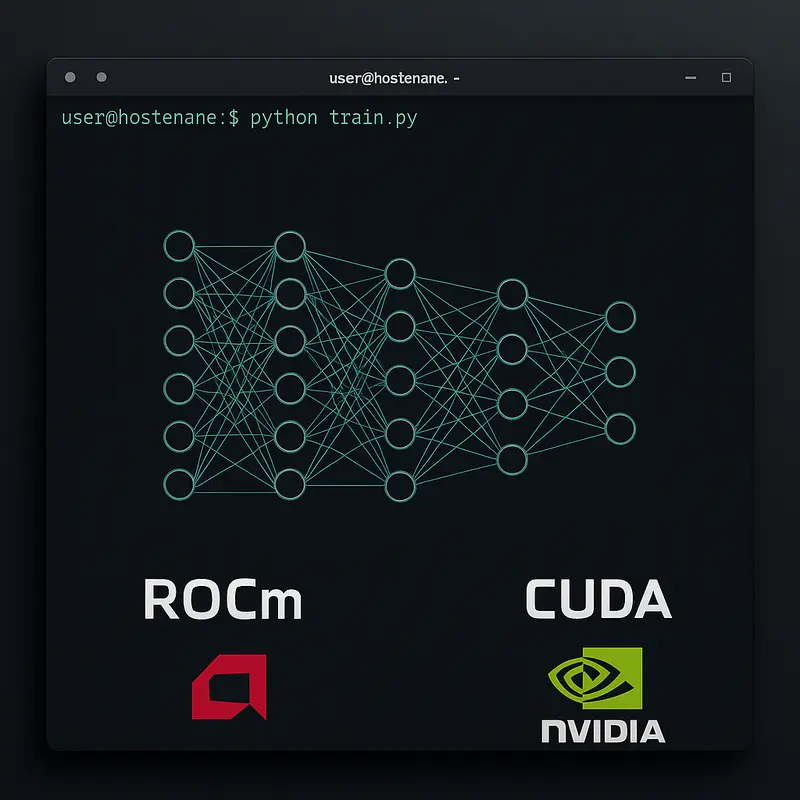
CUDA vs ROCm
Why CUDA still wins: The ecosystem is unmatched. Every major ML framework prioritizes CUDA. Documentation is extensive. Community support is vast. When something breaks, you’ll find solutions faster with CUDA.
ROCm hardware limitations: ROCm officially supports AMD Instinct datacenter GPUs. Consumer Radeon support exists (RX 7900 series got ROCm 5.7 support) but with caveats. Not all features work on consumer cards. Installation is more complex than CUDA.
The good news: Ubuntu 26.04 includes ROCm in official repositories (as of December 2025 announcement). This mirrors their CUDA packaging and should dramatically improve the ROCm experience for developers.
Local AI Models & LLMs
Stable Diffusion: Both vendors work, but NVIDIA is faster and better documented. Running Automatic1111 or ComfyUI on Linux with NVIDIA is straightforward. AMD requires extra configuration and doesn’t support all extensions.
LLM inference on Linux GPUs: Tools like Ollama and vLLM primarily target CUDA. AMD support exists through ROCm but you’ll hit more friction. If local LLM inference is your primary use case, NVIDIA remains the safer choice.
That said, AMD’s ROCm 7.0 release (mid-2025) brought significant improvements. Inference performance increased substantially on supported hardware.
Best GPU Choice for AI Developers
For production work: NVIDIA, no question. CUDA’s ecosystem advantage is overwhelming.
For hobbyists and learners: AMD is becoming viable if you’re comfortable troubleshooting. Ubuntu 26.04’s native ROCm support should help significantly.
For deep learning research: NVIDIA. PyTorch and TensorFlow work best on CUDA, and you don’t want framework compatibility fighting your research work.
Power Efficiency, Thermals & Laptops
Battery Life on Linux
AMD Advantage on laptops: AMD’s integrated graphics and power management are excellent on Linux. Modern RDNA 3 integrated GPUs in Ryzen 7000+ laptops deliver good battery life with proper kernel support.
NVIDIA Optimus challenges: Hybrid graphics laptops (Intel/AMD CPU + NVIDIA dGPU) remain problematic on Linux. PRIME switching works but isn’t as seamless as Windows. Battery life suffers if the dGPU doesn’t properly power down.
The 570 driver improved hybrid graphics support with better PRIME profiles, but it’s still less polished than AMD’s experience.
Hybrid Graphics (iGPU + dGPU)
AMD iGPU + AMD dGPU: This combination works beautifully. Switching between integrated and discrete graphics is seamless. Power management is solid. If you’re buying a Linux laptop, this is the configuration to get.
Intel + NVIDIA setups: Functional but finicky. You’ll need to configure PRIME properly, might need to manually force GPU selection for applications, and battery optimization requires tweaking.
The nvidia-settings tool provides PRIME profile switching, but it’s not as automatic as it should be. Expect to use command-line tools like prime-select occasionally.
Stability, Updates & Long-Term Support
Kernel Updates & Breakage Risk
Rolling vs LTS distros: This choice dramatically affects your experience with NVIDIA.
On rolling distros (Arch, Manjaro, Fedora), NVIDIA drivers can break after kernel updates. You’ll boot to a black screen and need to rebuild DKMS modules. It’s not frequent, but it happens. AMD users never face this—their drivers are built into the kernel.
On LTS distros (Ubuntu LTS, Debian stable), NVIDIA is more stable because kernel updates are infrequent and tested. If stability is critical, pair NVIDIA with LTS distributions.
Distro Compatibility
Ubuntu: Best NVIDIA support thanks to official driver PPAs and extensive testing. AMD works perfectly out-of-box. Winner for beginners regardless of GPU.
Fedora: Excellent AMD support with latest kernels and Mesa. NVIDIA requires RPM Fusion repositories but is well-maintained. Good choice for AMD users who want recent software.
Arch: Ideal for AMD due to rolling updates and latest Mesa. NVIDIA works but expect occasional breakage after kernel updates. Keep a fallback kernel installed.
Pop!_OS: Excellent NVIDIA integration out-of-box, including proper driver installation during setup. Also great for AMD. Best choice for NVIDIA users who want Ubuntu-based stability with better driver handling.
AMD vs NVIDIA on Linux – Feature Comparison
A detailed Linux-focused comparison of AMD vs NVIDIA GPUs, covering drivers, Wayland support, gaming performance, AI workloads, stability, and long-term reliability.
Best GPU for Linux in 2026 (Quick Recommendations)
🏆 Best GPUs for Linux in 2026 (Quick Verdict)
🎮 Best GPU for Linux Gaming
Winner: AMD Radeon RX 7800 XT or RX 9070 XT
AMD offers better value, stabler Linux drivers, and excellent Wayland support.
The RX 7800 XT dominates 1440p gaming, while the RX 9070 XT adds FSR 4 and higher efficiency.
Runner-up: NVIDIA RTX 4070 Ti — ideal if ray tracing or NVIDIA-optimized titles matter most.
🖥️ Best GPU for Wayland Users
Winner: AMD Radeon RX 7700 XT or higher
AMD’s Wayland integration is essentially flawless. With X11 effectively dead in 2026,
AMD handles multi-monitor setups, VRR, and fractional scaling without friction.
🎨 Best GPU for Creators
Winner: NVIDIA RTX 4070 or higher
NVIDIA remains the professional standard on Linux. CUDA acceleration, NVENC,
OptiX rendering, and official certifications make it the safest choice for
DaVinci Resolve, Blender, and production workflows.
Consider AMD if: You rely on FOSS creative tools and prioritize open-source drivers.
🤖 Best GPU for AI & Machine Learning
Winner: NVIDIA RTX 4090 or RTX 5090
CUDA is still the backbone of AI on Linux. ROCm continues to improve,
but NVIDIA remains the only truly practical option for serious ML workloads.
Acceptable alternative: AMD RX 7900 XTX for hobbyist ML,
especially with Ubuntu 26.04’s improved ROCm integration.
💻 Best Laptop GPU for Linux
Winner: AMD Radeon Integrated Graphics (780M or newer)
AMD iGPUs deliver the best Linux laptop experience: excellent power efficiency,
perfect Wayland support, and enough performance for light gaming and content work.
NVIDIA in laptops: Only if you need maximum mobile gaming power
and can accept battery drain and hybrid graphics quirks.
🔗 Recommended Linux Hardware Read
Choosing the right GPU is only half the story. Linux-optimized hardware plays a huge role in driver stability, power efficiency, and long-term performance. If you’re comparing Linux-first laptops, this detailed guide will help:
👉 System76 Darter Pro vs Lemur Pro – Which Linux Laptop Is Better?✔ Real-world Linux performance • ✔ Driver compatibility • ✔ Battery & thermals explained
Common Myths About AMD and NVIDIA on Linux
“NVIDIA doesn’t work on Linux”
Outdated by about five years. NVIDIA works fine on Linux if you install proprietary drivers. The 555+ drivers even made Wayland usable. The myth persists because the experience isn’t as smooth as AMD’s plug-and-play approach, but “doesn’t work” is false.
“AMD drivers are slow”
Completely backwards. AMD’s open-source RADV driver frequently outperforms their own proprietary driver (which they discontinued). In many games, AMD on Linux performs within 5% of Windows, better than NVIDIA’s 15-20% gap.
“Wayland is unusable with NVIDIA”
Was true until June 2024, false now. The 555 driver’s explicit sync support fixed the major Wayland issues. It’s not as polished as AMD, but calling it “unusable” is wrong. Millions of users run NVIDIA on Wayland daily in 2026.
Future of Linux GPU Drivers (2027 and Beyond)
NVIDIA open driver roadmap: NVIDIA has committed to opening more of their driver stack. Expect continued kernel module improvements and potentially more userspace components becoming open over time. The trend is positive even if progress is slow.
AMD Mesa innovations: AMD’s all-in bet on open source means rapid iteration. RADV performance continues improving with each Mesa release. The ACO shader compiler gets faster. Ray tracing performance slowly closes the NVIDIA gap. Expect AMD’s Linux experience to remain best-in-class.
Vulkan and Wayland evolution: Both standards are maturing rapidly. Vulkan 1.4 brings new features both vendors support. Wayland’s explicit sync protocol solved the biggest remaining issue. As X11 fades into history, expect the Linux graphics experience to become smoother across all hardware.
The most exciting development: major software vendors taking Linux seriously. Adobe executives have hinted at exploring Linux. Game developers increasingly test on Steam Deck, improving Linux compatibility for everyone. The ecosystem is trending positive.
Final Verdict – Which GPU Should You Choose?
🎯 Final Verdict – Which GPU Should You Choose?
Let’s cut through the noise with clear, Linux-focused recommendations. The right GPU depends on your workflow, distribution, and priorities.
🟥 Choose AMD if you are:
- A Linux enthusiast who values open-source software
- Building a desktop PC and want zero driver hassles
- Prioritizing Wayland compatibility above all else
- Gaming at 1080p or 1440p without heavy ray tracing
- On a budget and want maximum value per dollar
- Running a rolling-release distro like Arch or Fedora
🟩 Choose NVIDIA if you are:
- An AI / ML developer who depends on CUDA
- A professional creator using certified applications
- Gaming with ray tracing and want top performance
- Prioritizing absolute gaming performance over convenience
- Willing to troubleshoot occasional driver issues
- Running an LTS distro like Ubuntu 22.04 or 24.04
💡 Bottom line: AMD delivers the smoothest and most reliable Linux experience today, while NVIDIA still dominates in ray tracing, AI workloads, and professional software support.
⚡ TL;DR – Quick Linux GPU Verdict
- AMD: Plug-and-play, perfect Wayland support, excellent gaming value, open-source drivers, hassle-free experience
- NVIDIA: Best-in-class ray tracing, CUDA for AI/ML, strong professional app support, requires manual driver setup
- Best choice for most Linux users (2026): AMD RX 7800 XT / RX 9070 XT offers the best balance of performance, stability, and price
- Best for creators & AI developers: NVIDIA RTX 4070+ is worth the extra driver complexity
- The biggest deciding factor: Wayland is now mandatory—and AMD’s Linux experience is noticeably smoother
FAQ Section
Is AMD better than NVIDIA on Linux?
For general desktop use and gaming, yes—AMD provides a smoother experience in 2026. The open-source drivers integrate perfectly with Wayland, never break after kernel updates, and deliver competitive gaming performance. NVIDIA edges ahead for ray tracing, AI workloads, and professional applications, but requires manual driver installation and occasional troubleshooting.
Does NVIDIA work well with Wayland in 2026?
Yes, finally. NVIDIA’s 555 driver (June 2024) introduced explicit sync support that fixed major Wayland issues. The 570 driver refined this further. While not as seamless as AMD’s experience, NVIDIA is now usable on Wayland for daily tasks and gaming. Ubuntu and Fedora default to Wayland even with NVIDIA hardware in 2026.
Which GPU is best for Linux gaming?
AMD Radeon RX 7800 XT for most gamers. It offers excellent 1440p performance, perfect driver integration, and great value. Choose NVIDIA (RTX 4070 or above) only if you prioritize ray tracing performance or play specific NVIDIA-optimized titles. AMD’s FSR 4 closed the upscaling gap with DLSS 4, making AMD competitive even in features.
Should Linux users avoid NVIDIA?
No, that advice is outdated. NVIDIA works well on Linux in 2026, especially on LTS distributions. However, AMD provides an easier experience with plug-and-play drivers and perfect Wayland support. Avoid NVIDIA only if you want absolute simplicity. Choose NVIDIA if you need CUDA for AI, professional app certifications, or best-in-class ray tracing.
Is AMD good for AI on Linux?
Improving but still behind NVIDIA. AMD’s ROCm supports major frameworks like PyTorch and TensorFlow, and Ubuntu 26.04’s native ROCm packaging (announced December 2025) will help significantly. For professional AI work, NVIDIA’s CUDA ecosystem remains superior. For hobbyist ML and learning, AMD is becoming viable—especially RX 7900 series cards with ROCm support.
Disclaimer
This article provides technical information and recommendations based on available data, testing results, and user reports as of December 2025. GPU performance, driver compatibility, and software support can vary based on specific hardware configurations, Linux distributions, kernel versions, and individual use cases. Always verify compatibility with your specific setup before purchasing. Hardware and software mentioned may have been updated since publication. We are not affiliated with AMD, NVIDIA, or any hardware manufacturers. Product names and trademarks are property of their respective owners.
About the Author