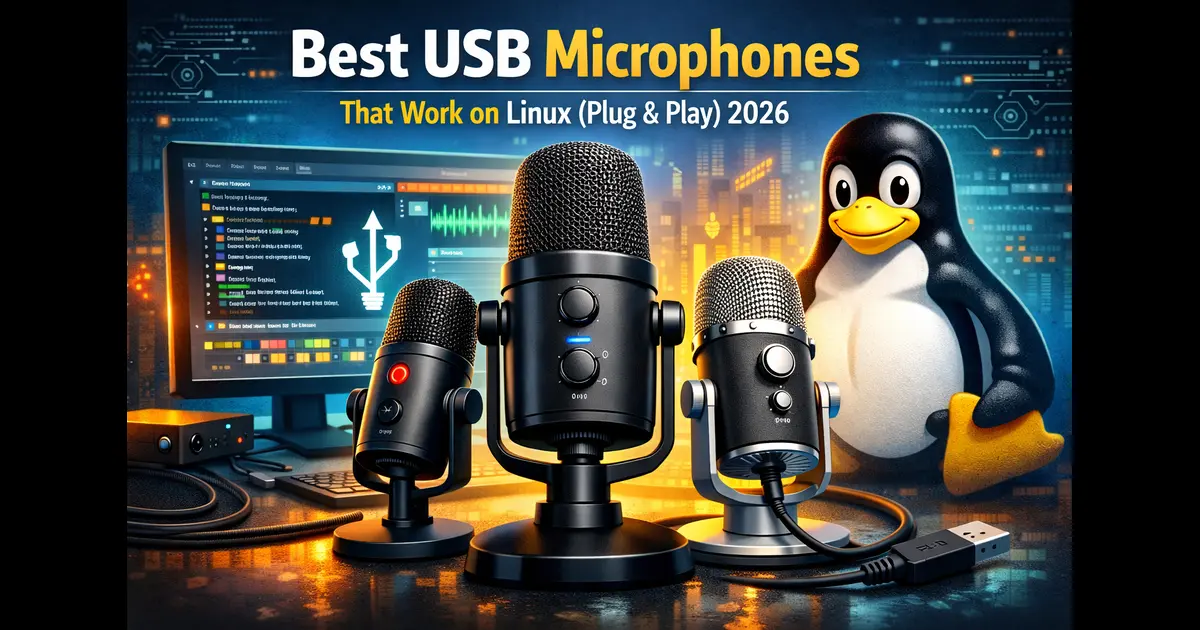
Best USB Microphones That Work on Linux (Plug & Play) 2026
Finding the best USB microphones that work on Linux without running into driver nightmares is one of those things that trips up a lot of people. You find a mic that looks perfect, order it, plug it in — and Linux has no idea what it is. No sound. No device. Just silence and frustration.
The good news? In 2026, this is far less of a problem than it used to be. Almost every modern USB microphone is built on the USB Audio Class (UAC) standard, which the Linux kernel has supported natively for years. That means plug it in, and it registers as a standard audio input — no extra drivers, no Wine workarounds, no hours in the terminal.
This guide covers the best USB microphones that work on Linux out of the box, for every budget. Whether you’re podcasting, streaming, recording music, doing remote work, or just want a clean mic for Zoom calls — there’s a solid pick here for you. All products are available in the USA marketplace as of March 2026.
Why USB Microphones Work on Linux
Linux handles audio through ALSA (Advanced Linux Sound Architecture) at the kernel level, with PipeWire now the default audio server on most modern distros — including Ubuntu 22.04+, Fedora 34+, Pop!_OS, and Manjaro. Both ALSA and PipeWire have built-in support for USB Audio Class-compliant devices.
When a microphone is “class-compliant,” it follows the USB Audio Device Class standard. Linux recognizes it automatically, assigns it as an audio input, and it becomes available in applications like OBS Studio, Audacity, Discord, Zoom, and Ardour — instantly.
What to avoid: microphones that require proprietary brand-specific software to function at all. Thankfully, nearly every major USB mic in 2026 is class-compliant. Companion apps (like Blue VO!CE or Elgato Wave Link) may not run natively on Linux, but the core recording functionality works perfectly without them.
lsusb
# List available audio capture devices
arecord -l
# If the mic doesn’t show up, manually load the USB audio module
sudo modprobe snd-usb-audio
If your mic appears in arecord -l, you’re good to go in any audio application.
USB Microphone Comparison Table (2026)
All microphones below are confirmed plug-and-play on Linux. No drivers needed — just plug in and record.
| Microphone | Type | Polar Pattern | Sample Rate | Price (USA) | Best For | Linux Ready |
|---|---|---|---|---|---|---|
| Blue Yeti X | Condenser | 4 patterns | 24-bit/48kHz | ~$169 | Podcasting, streaming | ✓ Yes |
| Shure MV7+ | Dynamic | Cardioid | 24-bit/48kHz | ~$249 | Podcasting, noisy rooms | ✓ Yes |
| AT2020USB-X | Condenser | Cardioid | 24-bit/96kHz | ~$149 | Music, vocals | ✓ Yes |
| Rode NT-USB Mini | Condenser | Cardioid | 24-bit/48kHz | ~$99 | Podcasting, gaming | ✓ Yes |
| Elgato Wave:3 | Condenser | Cardioid | 24-bit/96kHz | ~$150 | Streaming, content creation | ✓ Yes |
| Samson Meteor | Condenser | Cardioid | 16-bit/44.1kHz | ~$69 | Budget, beginners | ✓ Yes |
| Fifine K669B | Condenser | Cardioid | 16-bit/44.1kHz | ~$30 | Entry-level, remote work | ✓ Yes |
1. Blue Yeti X – Best Overall for Linux Users

The Blue Yeti X is the go-to USB microphone for a huge chunk of the Linux community, and it’s easy to see why. It’s fully USB Audio Class-compliant, shows up immediately on Ubuntu, Fedora, Arch, Debian, and virtually every other distro without a single driver to install. ALSA and PipeWire both detect it the moment you plug it in.
Audio quality is genuinely excellent for the price. The Yeti X uses three condenser capsule arrays and gives you four polar patterns — cardioid, stereo, omnidirectional, and bidirectional. The onboard 11-segment LED meter lets you monitor audio levels visually, which is especially useful since Blue’s VO!CE software (which handles DSP effects) doesn’t have a native Linux client. The mic still sounds great without it.
Key Specs: 24-bit/48kHz | 4 polar patterns | Built-in headphone monitoring | Multi-function smart knob | USB-A connection | ~$169 USA
2. Shure MV7+ – Best for Podcasters and Noisy Environments
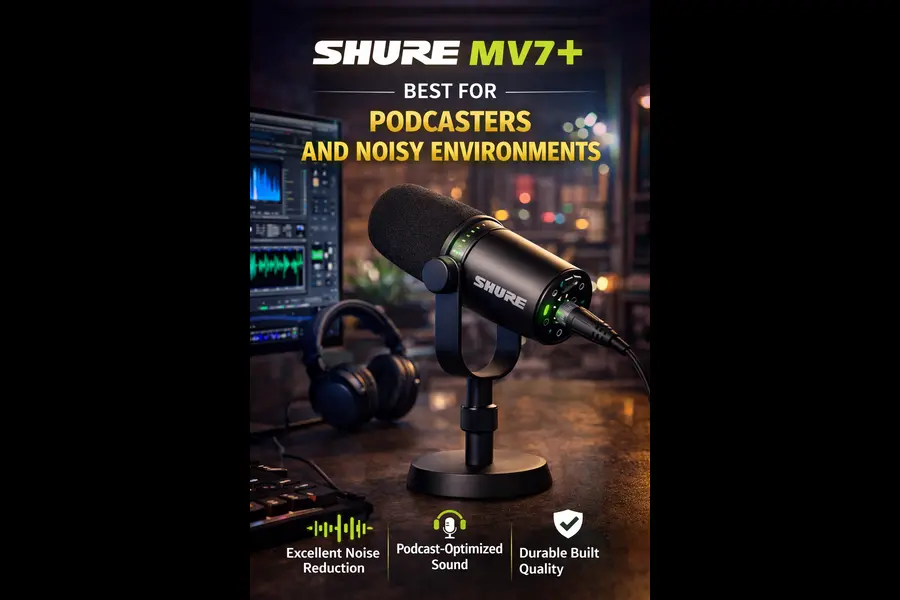
The Shure MV7+ is the upgraded version of the already beloved MV7, and it’s an outstanding choice for Linux podcasters — especially anyone recording in a room that isn’t acoustically treated. As a dynamic microphone rather than a condenser, it naturally rejects background noise. HVAC hum, traffic, mechanical keyboard clatter — the MV7+ handles it all without you needing noise suppression plugins.
Linux compatibility is seamless. It’s fully class-compliant and registers as a capture device immediately. It also connects via both USB and XLR, so if you ever upgrade to an audio interface, this mic grows with you. The ShurePlus MOTIV app for advanced EQ and compression is Windows/Mac only, but the MV7+’s hardware controls and default response are more than sufficient for polished recordings.
Key Specs: 24-bit/48kHz | Cardioid dynamic | USB + XLR hybrid | Touch mute | Headphone jack | ~$299 USA
3. Audio-Technica AT2020USB-X – Best for Music and Vocals
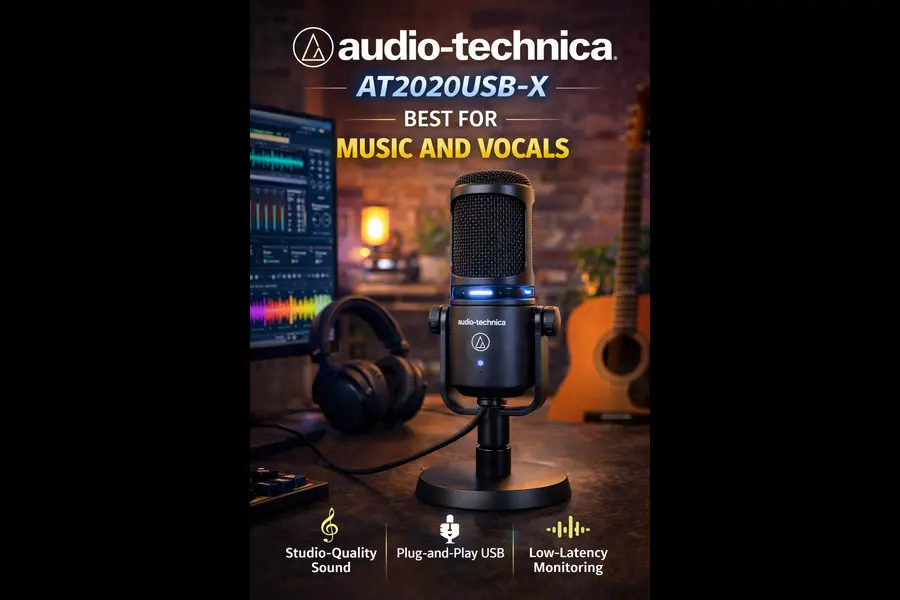
The AT2020USB-X is Audio-Technica’s latest update to their legendary AT2020 line, and it’s the top pick for Linux musicians, vocalists, and content creators who want the highest audio detail in this price range. The USB-C connection feels modern and practical, and it’s fully class-compliant — recognized instantly on any Linux system without any setup.
What separates this mic is the 24-bit/96kHz sampling rate, which captures significantly more audio detail than 48kHz alternatives. The large-diaphragm condenser capsule delivers crisp, extended high-frequency response that makes vocals and acoustic instruments sound genuinely professional. The touch-sensitive mute button with LED ring makes silencing yourself during recordings clean and silent.
Key Specs: 24-bit/96kHz | Cardioid condenser | USB-C | Touch-sensitive mute | Headphone monitoring | Mix control | ~$169 USA
4. Rode NT-USB Mini – Best Mid-Range Compact Option
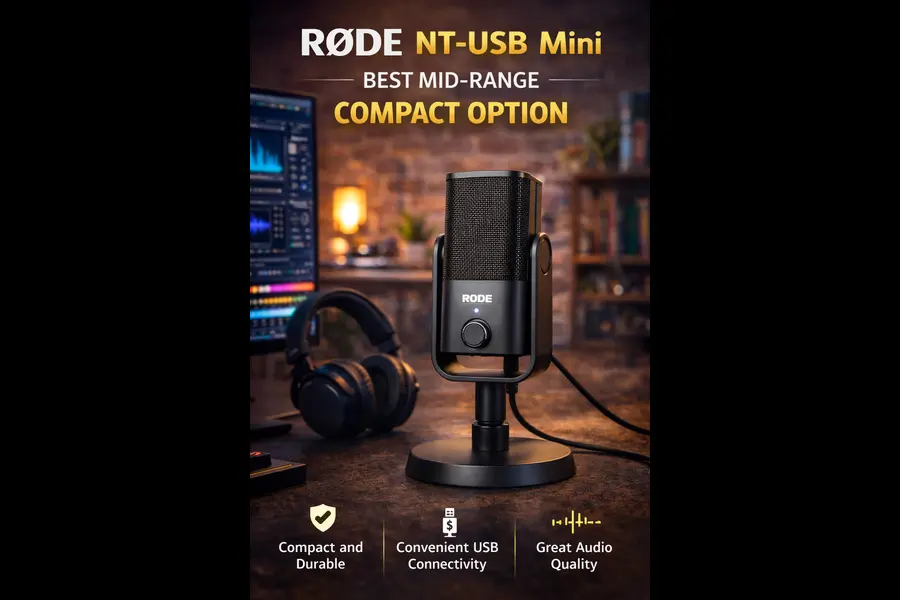
The Rode NT-USB Mini punches well above its $99 price point. It’s compact, built with an all-metal chassis that feels premium, and works flawlessly on Linux right out of the box. The integrated stand mount threads directly onto any standard mic stand or boom arm — no adapter hunting needed.
The sound character is warm and clear, designed specifically for dialogue, voice-over work, and streaming. The noise floor is impressively low for this price range, meaning your recordings come out clean even without noise reduction post-processing. Rode’s companion app (Unify) is Windows/Mac only, but the microphone itself functions perfectly as a standard USB audio device on any Linux distribution.
Key Specs: 24-bit/48kHz | Cardioid condenser | USB-C | Integrated pop filter | Headphone monitoring | ~$106 USA
5. Elgato Wave:3 – Best for Linux Streamers and Gamers
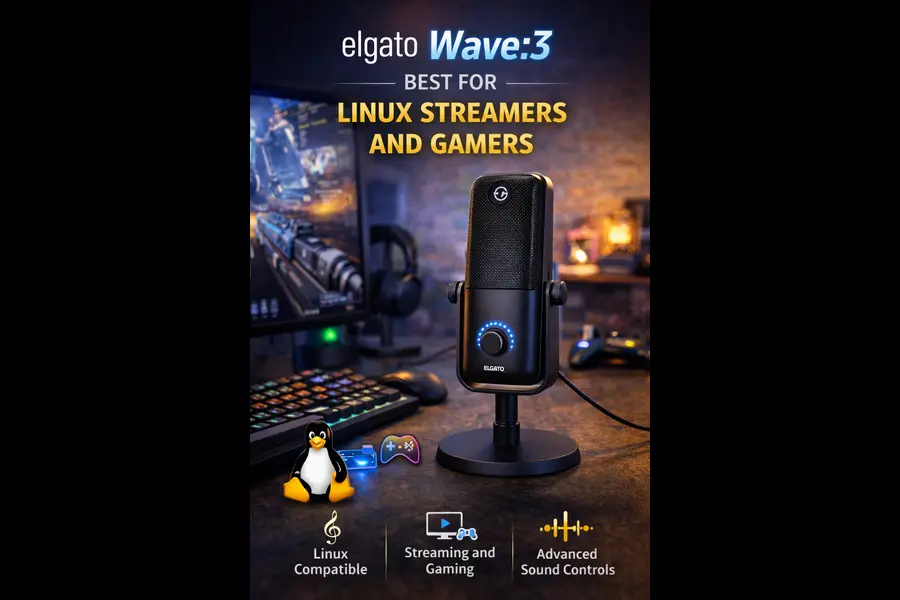
The Elgato Wave:3 was built specifically for streamers and content creators, and it’s developed a strong following in the Linux gaming and streaming community. It’s USB Audio Class-compliant, so it shows up immediately in OBS Studio, Discord, Mumble, and other Linux audio applications without any configuration.
The standout hardware feature is Clipguard — Elgato’s anti-distortion system that runs two simultaneous audio paths (one at -20dB) and switches automatically when your voice peaks too loud. This works entirely at the hardware level, so it’s fully functional on Linux with no companion software required. The 17mm electret capsule captures clean audio at 24-bit/96kHz. Wave Link (Elgato’s mixer software) is Windows/Mac only, but the core recording performance is excellent without it.
Key Specs: 24-bit/96kHz | Cardioid condenser | 17mm capsule | Clipguard anti-distortion | Capacitive mute | ~$150 USA
6. Samson Meteor Mic – Best Budget Reliable Pick
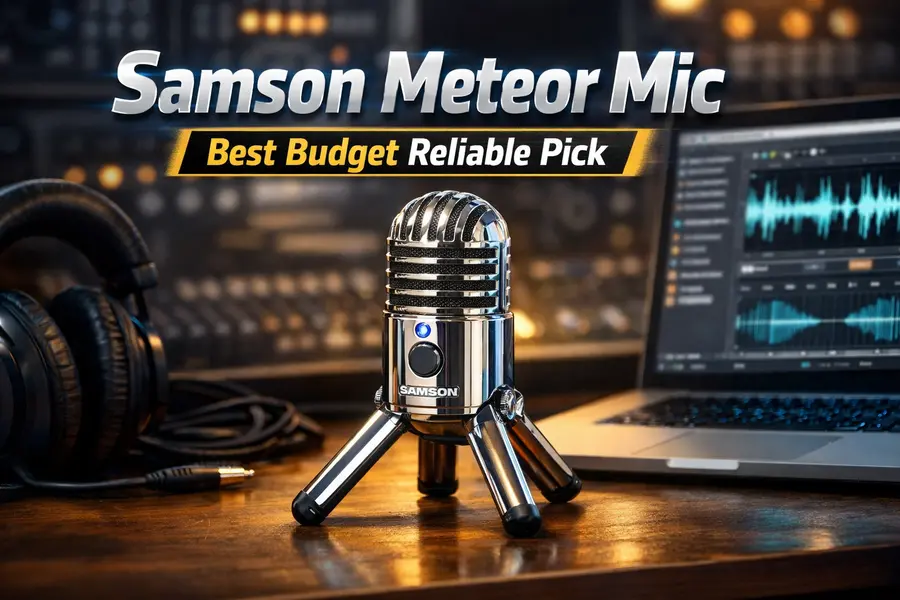
The Samson Meteor Mic has been a trusted recommendation in Linux communities for years, and it continues to earn that reputation in 2026. It’s one of those rare mics where Linux forums consistently report zero issues — plug it in, open Audacity or OBS, select the device, and record. No drivers, no configuration, no surprises.
The folding legs design makes it portable and easy to pack away. The cardioid condenser capsule delivers warm, natural-sounding audio that’s perfectly suitable for voice-over work, podcasting, and video calls. The built-in headphone jack and hardware volume dial allow direct monitoring without any software dependency. If your budget is around $70 and you want a proven, frustration-free Linux microphone with years of community backing, the Meteor Mic is the call.
Key Specs: 16-bit/44.1kHz | Cardioid condenser | Fold-back legs | Headphone monitoring | USB-A | ~$29 USA
7. Fifine K669B – Best Ultra-Budget Linux Microphone
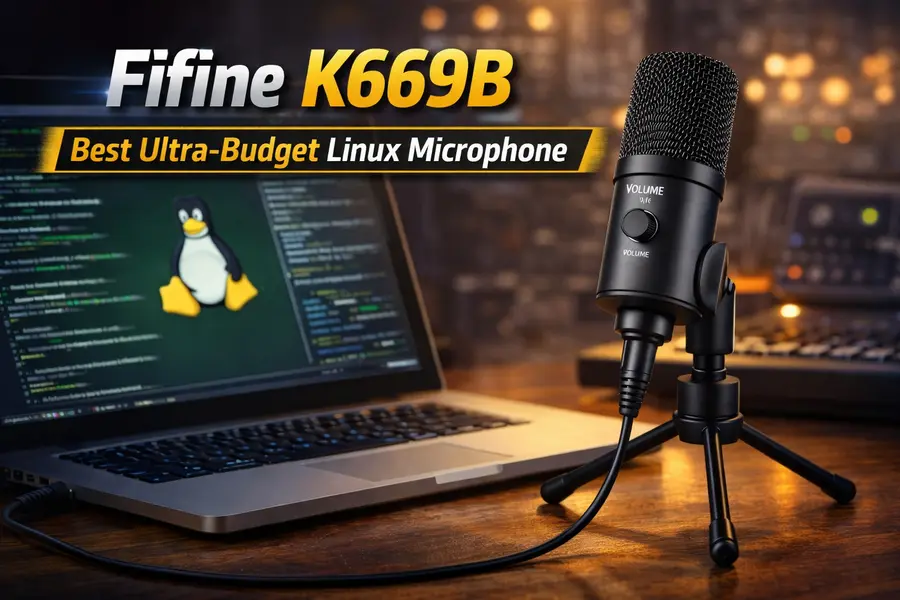
At around $30, the Fifine K669B is the most affordable USB microphone in this guide — and it’s fully plug-and-play on Linux. It’s a cardioid condenser with a 20Hz–20kHz frequency response, and it works immediately on Ubuntu, Linux Mint, Manjaro, and other common distros without any driver installation.
Don’t let the price set expectations too low. The K669B delivers clean, intelligible voice audio that’s more than sufficient for remote work meetings, Discord voice chat, Zoom calls, and casual streaming. It won’t replace a studio microphone for music production, but for its intended use cases it genuinely over-delivers. Linux users on a tight budget consistently recommend it as a safe, no-drama first USB microphone.
Key Specs: 16-bit/44.1kHz | Cardioid condenser | 20Hz–20kHz frequency response | USB-A | Tripod stand included | ~$30 USA
How to Choose the Right USB Mic for Your Linux Setup
1. Understand Your Use Case First
Before worrying about specs, figure out what you’re actually recording. Podcasters and streamers in noisy or untreated rooms should look at dynamic mics like the Shure MV7+ — they reject background noise naturally. Musicians and vocalists in quieter spaces will get far more detail from a condenser like the AT2020USB-X or Rode NT-USB Mini. Remote workers and beginners who just need something that works are well-served by the Fifine K669B or Samson Meteor Mic.
2. Condenser vs. Dynamic on Linux
Both types are equally compatible with Linux — neither requires special drivers. The difference is purely acoustic. Condenser mics are more sensitive and capture more detail, but they also pick up more room noise. Dynamic mics are less sensitive and more forgiving of imperfect recording environments. If you’re in a treated or quiet room, go condenser. If your room echoes or has ambient noise, dynamic is the safer bet.
3. Do You Actually Need Multiple Polar Patterns?
Most users only ever record in cardioid mode anyway. But if you want to do interviews, group recordings, or stereo captures, a multi-pattern mic like the Blue Yeti X gives you that flexibility without buying separate equipment. For the majority of Linux users, cardioid-only is perfectly adequate and usually more affordable.
4. Does 96kHz Really Matter for You?
For voice-only use — podcasting, streaming, conference calls — 24-bit/44.1kHz or 48kHz is completely sufficient. The difference becomes audible mainly in music recording, where high-frequency instrument detail matters. If you’re recording music, the AT2020USB-X or Elgato Wave:3 at 24-bit/96kHz are worth the investment. For voice-only work, save the money.
5. Companion Software on Linux
Be aware that most brand-specific apps (Blue VO!CE, Elgato Wave Link, ShurePlus MOTIV, Rode Unify) are Windows and Mac only. This doesn’t affect the microphone’s core functionality — they all record clean audio without the companion apps. But if you want advanced noise suppression or DSP presets, you’ll need Linux alternatives:
- EasyEffects (PipeWire-based, excellent noise suppression and EQ)
- Carla (open-source plugin host for audio effects)
- Audacity (built-in noise reduction, compression, and EQ)
Frequently Asked Questions
Do USB microphones need drivers on Linux?
No. All microphones in this guide are USB Audio Class-compliant. Linux’s kernel handles them natively through ALSA. You don’t install anything — just plug in and select the device in your audio software.
Will these mics work on Ubuntu, Fedora, Arch, or Mint?
Yes. Every microphone in this guide works on any modern Linux distribution running ALSA, PulseAudio, or PipeWire — including Ubuntu 20.04+, Fedora 35+, Arch Linux, Linux Mint, Pop!_OS, Manjaro, and Debian.
What if the mic isn’t showing up in Linux?
Try a different USB port first. Then run lsusb to confirm Linux sees the device at all. If it appears in lsusb but not in arecord -l, load the USB audio module manually: sudo modprobe snd-usb-audio. Also check your audio server (PulseAudio or PipeWire) isn’t muting the input.
Can I use multiple USB microphones simultaneously on Linux?
Yes, with some configuration. Each USB mic appears as a separate audio interface. JACK Audio Connection Kit lets you route multiple USB audio devices simultaneously. PipeWire also supports this natively on modern distros with configuration via pw-config.
Do these mics work on Raspberry Pi?
Yes. Most of these mics — particularly the Samson Meteor Mic and Fifine K669B — have been confirmed working on Raspberry Pi OS. Since the Pi runs Linux, class-compliant USB audio devices work identically.
Top Picks Summary
Not sure which one to get? Here is the quick verdict based on your situation.
The best USB microphones that work on Linux in 2026 don’t ask you to compromise. Every microphone on this list plugs in and works on the first try — no driver hunts, no terminal workarounds, no headaches. Whether you’re a podcaster, a streamer, a musician, or someone who just needs a clean mic for remote work, there’s a solid option here at every price point.
Disclaimer
This buying guide is for informational purposes only. Prices listed are approximate USA retail figures as of March 2026 and may vary by retailer or change without notice. All product links point directly to manufacturer or retailer pages — we have no commercial relationship with any brand mentioned. Product availability and specifications should be verified on the retailer’s website before purchasing.
Linux Hardware Setup Guides
Looking for Linux-compatible hardware? These guides help you choose devices that work perfectly with Linux without driver issues.
About the Author