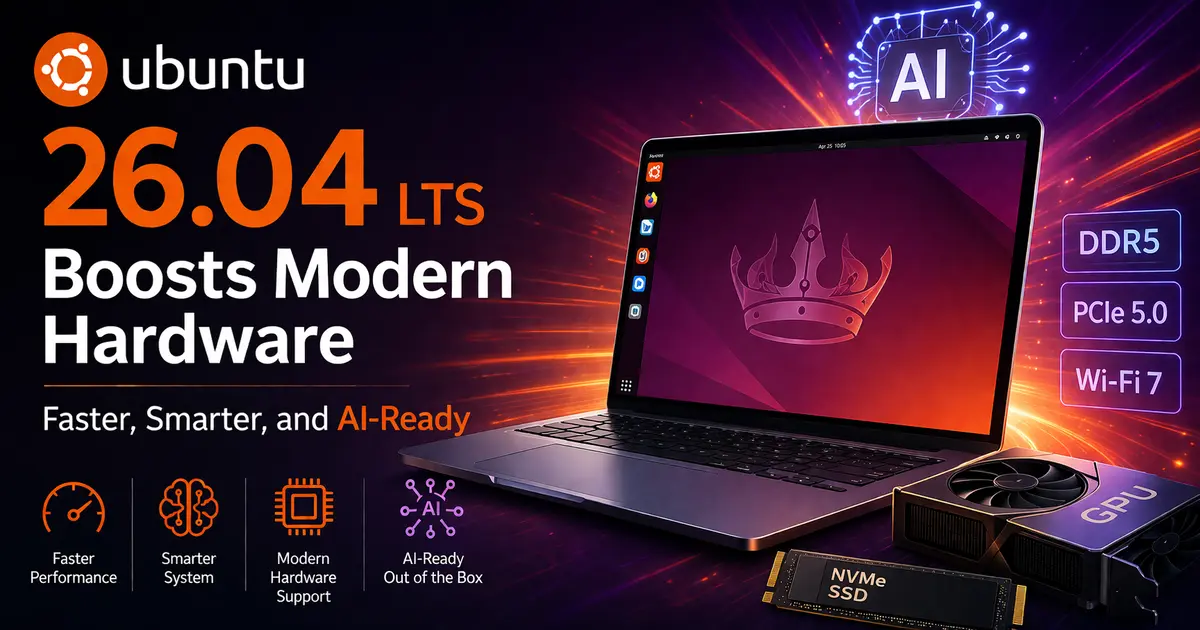
Ubuntu 26.04 LTS Boosts Modern Hardware: Faster, Smarter, and AI-Ready
If you’ve been waiting for a Linux release that actually keeps pace with today’s hardware landscape — the new GPUs, the NPUs, the high-performance ARM chips — your wait is over. Ubuntu 26.04 LTS Boosts Modern Hardware in ways that no previous LTS release has managed, and this time, Canonical isn’t just checking boxes. They’ve built something that genuinely matters for developers, AI researchers, enterprise teams, and everyday power users alike.
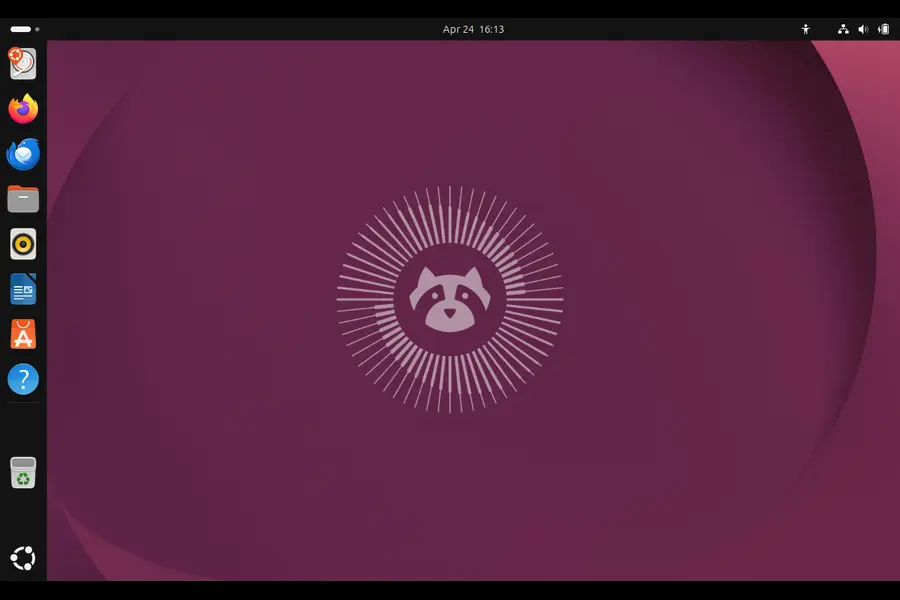
Released on April 23, 2026, Ubuntu 26.04 LTS carries the codename Resolute Raccoon. It arrives with Linux kernel 7.0, GNOME 50, a full pivot to Wayland, native NVIDIA CUDA and AMD ROCm support, and dozens of under-the-hood improvements that make this release feel like a different category of operating system compared to Ubuntu 24.04 LTS (Noble Numbat).
Let’s break it all down — what’s new, why it matters, and whether you should be upgrading.
What’s Under the Hood: Linux Kernel 7.0
The headline spec for this release is the Linux 7.0 kernel, a significant jump from the 6.8 kernel that shipped with Ubuntu 24.04 LTS two years ago.
Kernel 7.0 isn’t just a version bump. It introduces real, tangible improvements across CPU scheduling, power management, file system performance, and — most importantly for 2026 hardware buyers — native driver support for the latest silicon.
Intel Core Ultra Series 3 (Panther Lake) Support
One of the most significant additions is first-class support for Intel Core Ultra Series 3 processors, codenamed Panther Lake. Linux 7.0 introduces targeted optimizations for Intel Xe3 integrated graphics and the integrated NPU (Neural Processing Unit) built into these chips. That NPU is what makes Panther Lake processors genuinely “AI-ready” at the hardware level — and Ubuntu 26.04 is the first LTS release to fully leverage it out of the box.
If you’re buying a new laptop or workstation in 2026 built around Intel’s latest generation, Ubuntu 26.04 is the only LTS release that will give you full driver coverage without hacks or third-party kernel patches.
File System and Cache Improvements
Kernel 7.0 also delivers notable improvements to F2FS, EXT4, and XFS. More immediately useful for most users is significantly improved file cache management, which translates to snappier application launches, faster disk I/O, and better overall system responsiveness. These aren’t benchmark differences you need a lab to measure — they’re the kind of thing you notice on day two of using the OS.
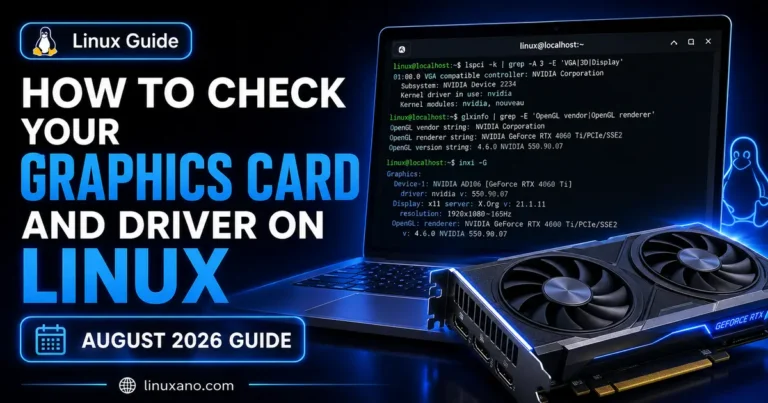
AI-Ready by Default: NVIDIA CUDA and AMD ROCm in the Ubuntu Archive
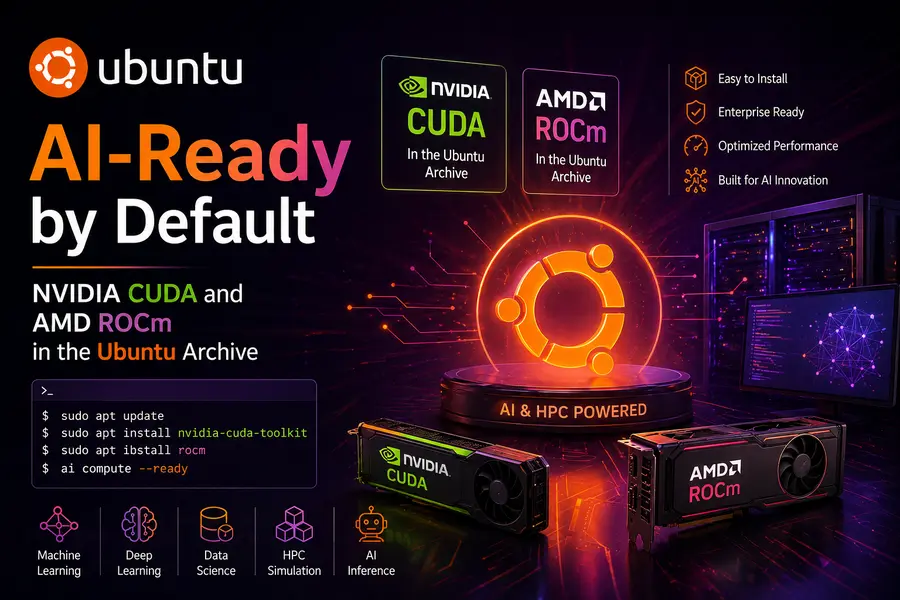
This is where Ubuntu 26.04 LTS really separates itself from every previous LTS release, and arguably from most Linux distributions altogether.
NVIDIA CUDA Now Ships from Ubuntu’s Official Repositories
For the first time, NVIDIA CUDA — the parallel computing platform that powers the majority of AI training and inference workloads globally — is available directly from the Ubuntu archive. Previously, developers had to manually download CUDA from NVIDIA’s own repositories, manage compatibility between driver versions, and handle updates outside of the standard apt workflow.
Starting with Resolute Raccoon, installing CUDA is as simple as:
That’s it. Ubuntu manages compatibility, updates, and security patching through the same trusted package supply chain used for everything else on your system. For organizations deploying AI workloads at scale, this is a genuinely big deal — it means reproducible environments, simpler automation, and one fewer external dependency to audit.
AMD ROCm 7.1.0: GPU Compute for Everyone
AMD GPU users get equally good news. The Ubuntu Universe repository now includes AMD ROCm software version 7.1.0, AMD’s open-source platform for GPU-accelerated AI, machine learning, and high-performance computing. ROCm enables developers to run serious workloads on AMD Instinct and Radeon GPUs — and until now, getting it set up on Ubuntu required jumping through considerable hoops.
With Ubuntu 26.04, ROCm installs directly from Ubuntu’s repositories. Canonical’s CI/CD pipeline actively tests ROCm against real workloads including llama.cpp, PyTorch, Blender, and Lemonade Server, so you’re not getting an untested community package — you’re getting something that Canonical’s own infrastructure validates regularly.
Intel oneAPI and GPU Compute Support
Completing the AI hardware trifecta, Intel’s open-source oneAPI DPC++ compiler for building SYCL code is now available in the Ubuntu Archive. The compiler runtime includes adapters for running on Intel GPU hardware, along with the DPC++ library (oneDPL) and the Deep Neural Network Library (oneDNN) built specifically for Intel GPUs.
This matters for developers building cross-platform AI applications that need to run efficiently on Intel integrated and discrete graphics — a market that covers a huge portion of enterprise laptops and workstations.
Put simply: whether your hardware has an NVIDIA GPU, an AMD GPU, or Intel integrated graphics, Ubuntu 26.04 now gives you a first-class, officially supported path to GPU compute. That’s a remarkable achievement for a single LTS release.
Full Wayland by Default: A Long Time Coming
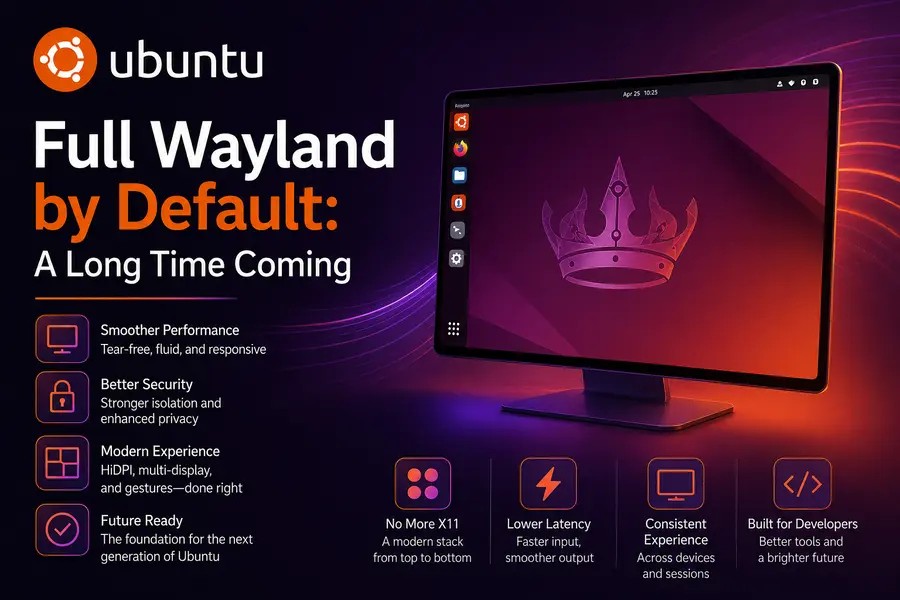
Ubuntu 26.04 completes the transition that Ubuntu 25.10 began. The GNOME desktop environment now runs exclusively on Wayland, with X11 support removed from GDM entirely.
If you’ve been on Linux long enough to remember the growing pains of early Wayland adoption, this might sound alarming. It isn’t. By 2026, the ecosystem has caught up. XWayland — the compatibility layer for X11 apps — handles legacy applications transparently. Most users will never notice a difference unless they go looking for it.
What they will notice is better. Wayland brings improved security, better multi-monitor support (especially for mixed-DPI setups), smoother animation, and dramatically better behavior on high-refresh-rate displays. For NVIDIA GPU users specifically, this release finally delivers a stable, reliable Wayland experience — addressing compatibility issues that were a persistent complaint in earlier Ubuntu releases.
GNOME 50: Smarter Desktop, Cleaner Experience
The jump from GNOME 46 (Ubuntu 24.04) to GNOME 50 is four major versions, and it shows. The desktop feels faster and more intentional.
Key GNOME 50 Highlights
- Auto-start apps: You can now configure applications to launch automatically at login directly from Settings → Apps, without touching any config files.
- Fractional scaling improvements: Blurry fractional scaling — a long-standing frustration on HiDPI displays — has been significantly improved. Text and UI elements render sharper at non-integer scale factors.
- Sysprof built in: The Sysprof performance profiling tool is now installed by default, making it easier for developers (and curious users) to identify performance bottlenecks without additional setup.
Refreshed Default Applications
Canonical has refreshed several default applications, replacing older GTK apps with modern, Rust-based alternatives:
- Showtime replaces Totem as the default video player
- Loupe (written in Rust) replaces Eye of GNOME as the image viewer
- Ptyxis replaces GNOME Terminal as the default terminal emulator
- Papers (a GTK4 rewrite of Evince in Rust) is now the default document viewer
These aren’t cosmetic changes. Rust-based applications bring improved memory safety and, in many cases, noticeably faster startup times. It’s a quiet but meaningful investment in the long-term quality of the desktop.
Security Gets Serious: TPM Encryption, Livepatch for ARM, and Rust in Core Utils
TPM-Backed Full-Disk Encryption
Ubuntu 26.04 introduces TPM-backed full-disk encryption for desktop installations. This ties your encryption keys to your device’s Trusted Platform Module chip, meaning the system can boot without a manual passphrase while still preventing data access if the drive is removed and used in another machine. It’s the kind of “just works” security that enterprise users have long expected, now available to everyone.
Fingerprint Authentication Gets a Fix
Fingerprint login on Linux has historically been unreliable — works perfectly on some laptops, doesn’t work at all on others. Ubuntu 26.04 addresses this with SPDM-based fingerprint authentication for certified OEM devices. If your laptop has a fingerprint reader and it was manufactured in the past couple of years, chances are substantially higher that it will work out of the box on 26.04 compared to any previous Ubuntu release.
Livepatch Comes to ARM64
For organizations running Ubuntu on ARM64 server and edge hardware, Canonical Livepatch — the technology that applies critical kernel patches without requiring a reboot — now extends to ARM64 for the first time. This is especially significant as ARM-based servers grow in enterprise data centers and edge deployments.
Applied in practice: a critical kernel vulnerability can be patched across your entire ARM64 server fleet without scheduling a maintenance window. For always-on AI inference workloads, this is a meaningful operational improvement.
Rust Everywhere
sudo-rs is now the default sudo provider — the first Rust-based system tool to take over a core Unix utility at this level. The image viewer, terminal emulator, document viewer, and video thumbnailers are all either fully written in Rust or use Rust components. This isn’t a gimmick; it’s a systematic investment in memory safety for core system components.
Developer Toolchain: A Full Refresh
Ubuntu 26.04 LTS Boosts Modern Hardware development targets with a comprehensive toolchain update:
| Tool | Version in Ubuntu 26.04 |
|---|---|
| GCC | 15.2 |
| Python | 3.14 |
| LLVM | 21 |
| Rust | 1.93.1 |
| Go | 1.25 |
| OpenJDK | 25 (TCK-certified on amd64, arm64, s390x, ppc64el) |
| .NET | 10 |
| Zig | 0.15.2 |
| glibc | 2.43 (with ISO C23 changes) |
OpenJDK 25 is particularly notable — it carries full TCK certification across four architectures, which guarantees Java specification conformance and interoperability. For enterprise Java teams, that’s a meaningful quality signal.
System Requirements and Upgrade Path
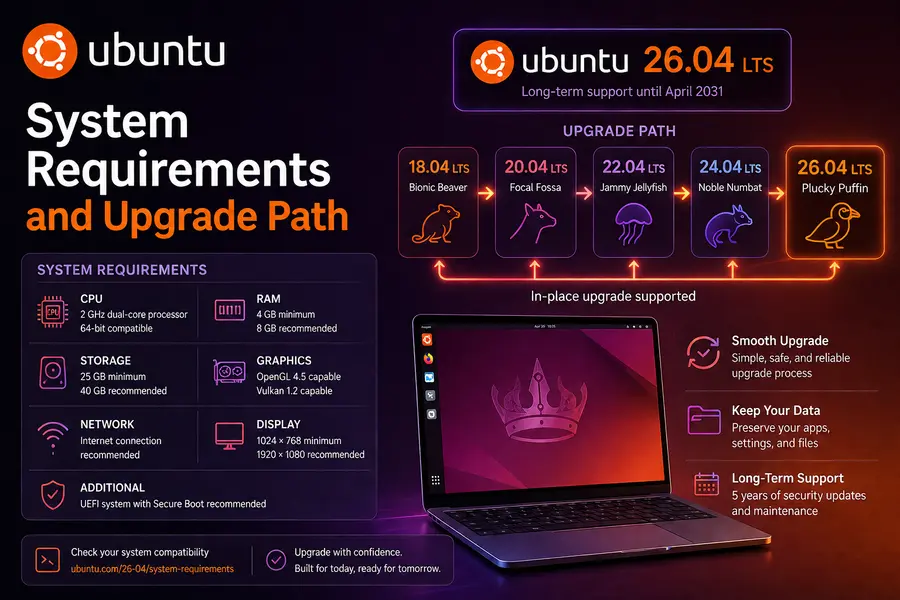
New Minimum Requirements for Ubuntu 26.04 Desktop
- CPU: 2 GHz dual-core processor or better
- RAM: 6 GB minimum (4 GB will run the OS, but performance will suffer)
- Storage: 25 GB free space for a comfortable installation
This is a modest step up from previous LTS requirements. If your machine has 4 GB of RAM or less, Canonical recommends considering Xubuntu or Lubuntu instead, which use lighter desktop environments and will run more comfortably on older hardware.
Upgrade Path
- From Ubuntu 24.04 LTS: direct upgrade supported
- From Ubuntu 25.10: direct upgrade supported
- From Ubuntu 22.04 LTS or earlier: you must first upgrade to either 24.04 LTS or 25.10 before upgrading to 26.04
Support Timeline
Ubuntu 26.04 LTS receives 5 years of standard support (until April 2031). With an Ubuntu Pro subscription (free for up to 5 personal machines), Expanded Security Maintenance extends that to 10 years, until April 2036. For enterprise deployments, that long-term horizon matters.
Who Should Upgrade Now?
Upgrade immediately if you:
- Are a developer working with AI/ML on NVIDIA, AMD, or Intel GPU hardware
- Have purchased recent hardware (Intel Core Ultra Series 3 / Panther Lake, AMD Ryzen 9000 series)
- Run Ubuntu on ARM64 servers and care about uninterrupted uptime
- Want the latest developer toolchain (Python 3.14, OpenJDK 25, Rust 1.93)
Wait a few weeks if you:
- Are running a mission-critical production server that has been stable on 24.04 — let the early adopters find edge cases first
- Rely on software that has known issues with Wayland (though these are increasingly rare)
- Are on older hardware that meets minimum requirements but just barely — test in a VM first
Stick with 24.04 if you:
- Have a machine with 4 GB or less RAM and need the standard GNOME experience
- Are running IBM Z hardware at the z14 generation or older (26.04 requires z15 minimum)
- Have business-critical applications that have not yet been validated for GNOME 50 or Wayland
Final Take
Ubuntu 26.04 LTS is not a cautious, conservative LTS release. It’s opinionated. It drops X11 for GNOME, raises hardware baselines, standardizes on Rust-based utilities, and bets heavily on GPU compute becoming a first-class Linux concern. Most of those bets are correct.
The AI tooling story alone — CUDA in the Ubuntu archive, ROCm 7.1.0, Intel oneAPI — represents a shift in how Canonical sees Ubuntu’s role in the ecosystem. This isn’t Ubuntu positioning itself as a server OS that can dabble in ML. It’s Ubuntu positioning itself as the default platform for serious AI development work, from a developer’s laptop all the way up to a multi-GPU inference cluster.
For most developers and power users, the upgrade case is clear. Resolute Raccoon is the most capable LTS release Canonical has shipped, and the hardware support improvements make it especially compelling if you’re running or planning to run anything built in the last 18 months.
Frequently Asked Questions
Is Ubuntu 26.04 LTS free to download and use?
Yes, completely. You can download and use Ubuntu 26.04 LTS at no cost for personal or commercial purposes. Ubuntu Pro — which extends security maintenance to 10 years — is also free for up to 5 personal machines. Businesses needing Pro coverage across larger fleets will need a paid subscription.
My laptop has 4 GB of RAM. Can I still run Ubuntu 26.04?
Technically yes, but it’s not the ideal experience. Canonical recommends 6 GB as the comfortable minimum for the full GNOME 50 desktop. If your machine has 4 GB or less, you’ll likely get better day-to-day performance from Xubuntu or Lubuntu, which use lighter desktop environments and are built for exactly this scenario.
Do I need to reinstall from scratch, or can I upgrade from Ubuntu 24.04 LTS?
You can upgrade directly from Ubuntu 24.04 LTS without reinstalling. If you’re on Ubuntu 25.10, that path is also supported. If you’re still on Ubuntu 22.04 LTS or something older, you’ll need to upgrade to either 24.04 LTS or 25.10 first before jumping to 26.04.
My workflow depends heavily on X11 apps. Should I be worried about the Wayland switch?
Probably not. Ubuntu 26.04 still includes XWayland, a compatibility layer that lets X11 applications run inside a Wayland session without any changes on your end. Most users won’t notice a difference. The only real exceptions are very niche tools that depend on specific X11 features with no Wayland equivalent — those are increasingly rare in 2026.
I use an AMD GPU for AI work. Is ROCm 7.1.0 ready for production use in Ubuntu 26.04?
For most workloads, yes. Canonical actively tests ROCm 7.1.0 in their CI/CD pipeline against real-world applications including PyTorch, llama.cpp, and Blender. There is one known issue — Blender tests currently fail on gfx908 hardware — so if you’re running an older AMD Vega 20 (Instinct MI50/MI60) card, it’s worth checking AMD’s compatibility list before fully committing. For Radeon RX 7000 series and Instinct MI300 hardware, things are in good shape.
Disclaimer
The information in this article is based on official Ubuntu 26.04 LTS release notes and announcements published by Canonical in April 2026. While every effort has been made to keep the details accurate and up to date at the time of writing, software features, hardware compatibility, and support terms can change over time. Always refer to Canonical’s official documentation before making upgrade or deployment decisions, especially in production or enterprise environments. Hardware compatibility may vary depending on your specific device and configuration.
About the Author