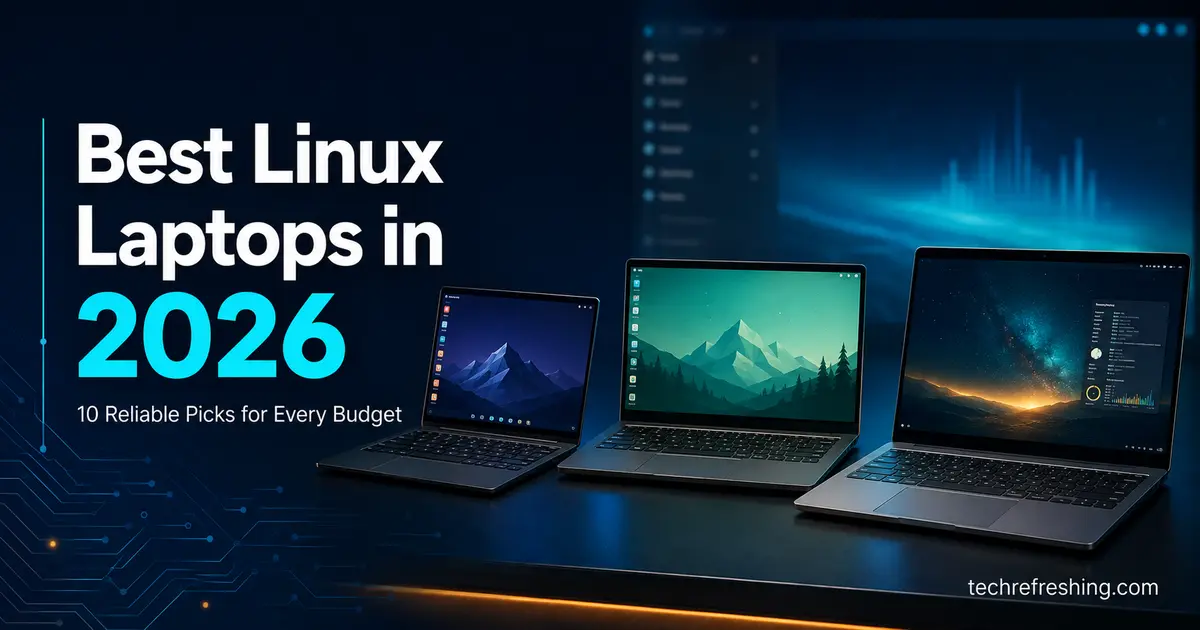
Best Linux Laptops in 2026: 10 Reliable Picks for Every Budget
There was a time, not that long ago, when buying a laptop for Linux meant picking something cheap, generic, and hoping the Wi-Fi card wasn’t a nightmare. That era is mostly behind us. Walking into September 2026, the list of laptops that actually take Linux seriously — not “technically compatible,” but designed, tested, and sold with it — is longer and better than it’s ever been.
This guide covers ten of those laptops, all currently available to order in the US. Some ship with Linux pre-installed and configured by the manufacturer. Others are Windows machines with hardware clean enough that installing Ubuntu or Fedora yourself is a non-event. A couple sit somewhere in between: officially certified, but sold with Windows by default. We’ve noted which is which, because it matters more than most buying guides let on.
If you’re trying to find the best Linux laptops for your specific situation — student budget, professional workload, or a privacy-first setup — you’ll find something here that fits. Let’s get into the picks.
How This Guide Was Put Together
Before the list, a quick word on methodology, because “best Linux laptop” articles have a bad habit of just repeating each other.
Every price and spec below was checked against current manufacturer documentation and product pages as of September 2026, not pulled from an older review and left stale. Where a laptop had documented driver quirks or known issues — the kind of thing you’d only find by reading community wikis, vendor changelogs, or user forum threads instead of a spec sheet — we’ve included it, because that’s the information that actually changes whether a laptop is a good buy for you.
We also excluded anything currently out of stock, discontinued, or not shipping to US customers. A few laptops that show up constantly in older “best of” posts (the original Purism Librem 14, for instance) simply aren’t purchasable new right now, so they’re left out here even though you’ll still see them recommended elsewhere.
A few things worth understanding before you compare specs:
Firmware updates are a bigger deal than people give them credit for. The Linux Vendor Firmware Service (LVFS) lets you patch BIOS and firmware straight from your package manager using fwupd — no dropping into Windows required. Framework, System76, Star Labs, Lenovo, and Dell all support it to varying degrees, and it’s one of those unglamorous details that determines whether your laptop stays secure five years from now.
The chipset matters more than the marketing name on the box. Intel Iris Xe/Arc and AMD Radeon integrated graphics run on Mesa, an open-source driver stack that just works on nearly every distro. Nvidia GPUs are usable, but expect to deal with proprietary drivers and the occasional kernel-update hiccup. On the Wi-Fi side, Intel’s AX200/AX210/AX211 and current Wi-Fi 7 modules ship drivers in the mainline kernel, while some Realtek and MediaTek cards still cause connection drops or suspend bugs depending on the distro and kernel version.
A company’s actual commitment to Linux tells you more than a spec sheet. System76, Star Labs, and Purism are built entirely around Linux hardware — it’s not a side option. Framework, Dell, and Lenovo support specific configurations on specific SKUs, which is fine, but it means the exact model number you buy matters. “A ThinkPad” isn’t a Linux laptop. “The ThinkPad T14s Gen 6 AMD, Ubuntu-certified configuration” is.
Quick Comparison Table
| Laptop | Best For | Starting Price (US) | CPU Options | Max RAM | Linux Support |
|---|---|---|---|---|---|
| Framework Laptop 13 | Overall pick / repairability | $899 (DIY) / $1,099 (built) | AMD Ryzen AI 300 series | 96GB DDR5 | Ubuntu, Fedora (community-driven) |
| Framework Laptop 13 Pro | Premium ultraportable | ~$2,000 (Ubuntu, Intel X7) | Intel Core Ultra X7 358H / AMD Ryzen AI 9 HX 370 | 96GB | Factory Ubuntu 26.04 LTS |
| Framework Laptop 16 | Modular graphics / creators | $1,499 (DIY) | AMD Ryzen AI 300 series | 96GB DDR5 | Ubuntu, Fedora (community-driven) |
| System76 Lemur Pro (2026) | Battery life / turnkey use | $1,923 | Intel Core Ultra 5 325 / X7 358H | 32GB LPDDR5X | Pop!_OS, Ubuntu (factory) |
| System76 Oryx Pro | Gaming and heavy workloads | $2,599 | AMD Ryzen AI 7 450 | 96GB DDR5 | Pop!_OS (factory) |
| Dell 14 Plus / XPS 14 Ubuntu Edition | Mainstream OEM pick | $1,899 | Intel Core Ultra 5/7/X7 | 64GB LPDDR5X | Ubuntu 24.04 LTS (factory) |
| Lenovo ThinkPad T14s Gen 6 AMD | Business and enterprise | ~$1,499 | AMD Ryzen AI 7 PRO 350 / HX PRO 370 | 64GB | Ubuntu certified |
| Star Labs StarBook Horizon | Privacy and open firmware | $1,357 | Intel Core Ultra (efficiency-tier) | Up to 32GB | Distro-agnostic |
| Purism Librem 16 | Maximum privacy / kill switches | $2,899 | Intel Core i7-13620H | 64GB DDR4 | PureOS (factory) |
| Lenovo IdeaPad Slim 5 (AMD) | Budget under $600 | ~$550–600 | AMD Ryzen 5/7 | 16GB | Self-installed |
1. Framework Laptop 13 (AMD Ryzen AI 300 Series) — Best Overall
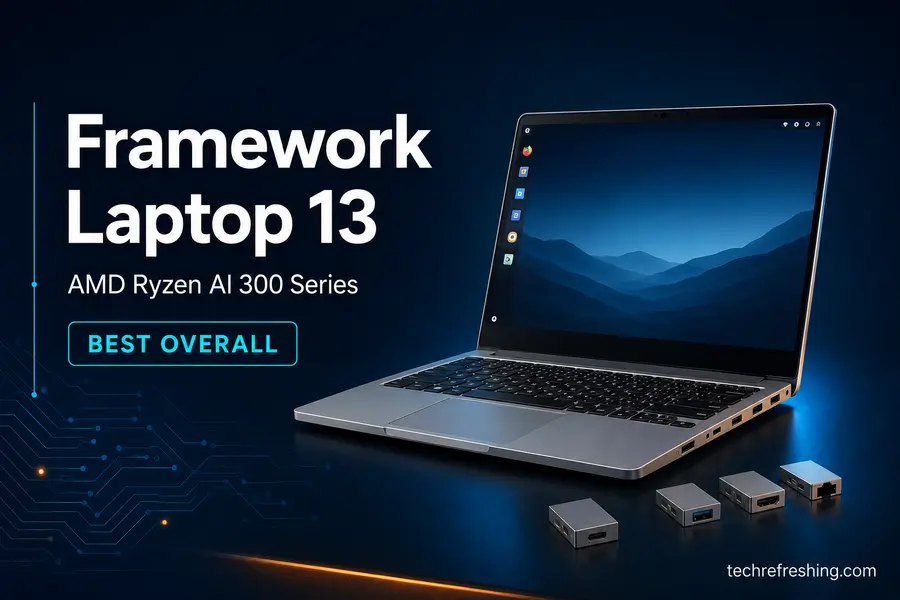
Start here if you’re not sure where else to look. What makes the Framework 13 stand apart isn’t raw speed — it’s that the laptop you buy in 2026 doesn’t become e-waste in 2029. RAM, storage, the screen, every port, and even the motherboard can be swapped or upgraded, and Framework has kept that promise since the very first 11th-gen Intel model shipped back in 2021.
The current board runs AMD’s Ryzen AI 300 series, up to the Ryzen AI 9 HX 370, paired with a Radeon 890M integrated GPU that’s genuinely capable — enough for photo editing, 1080p video work, and casual gaming without needing a discrete card at all. Screen options are a 2.2K 60Hz panel or a sharper 2.8K at 120Hz, both matte and both in the 3:2 aspect ratio that gives you noticeably more vertical space than a typical 16:9 laptop.
The trade-offs are real ones, not nitpicks. Battery life on the AMD board lands closer to 6–7 hours of mixed use rather than the all-day numbers you’d get from the Lemur Pro, and Framework’s own community wiki documents a handful of known bugs on this specific board — intermittent hard freezes after suspend on some Ubuntu 25.10 installs, and USB-C UCSI warning messages that show up in kernel logs on 6.9+ but don’t appear to cause functional issues. None of it is a dealbreaker, but it’s the kind of detail worth knowing before you buy rather than after.
- Modular design means the laptop isn’t disposable when a part fails or falls behind
- Swappable Expansion Card ports let you reconfigure your I/O instead of living with whatever the factory picked
- Strong, active community support across nearly every major distro
Price: DIY Edition from $899, pre-built from $1,099.
Check current configurations on Framework’s site →
2. Framework Laptop 13 Pro — Best Premium Ultraportable
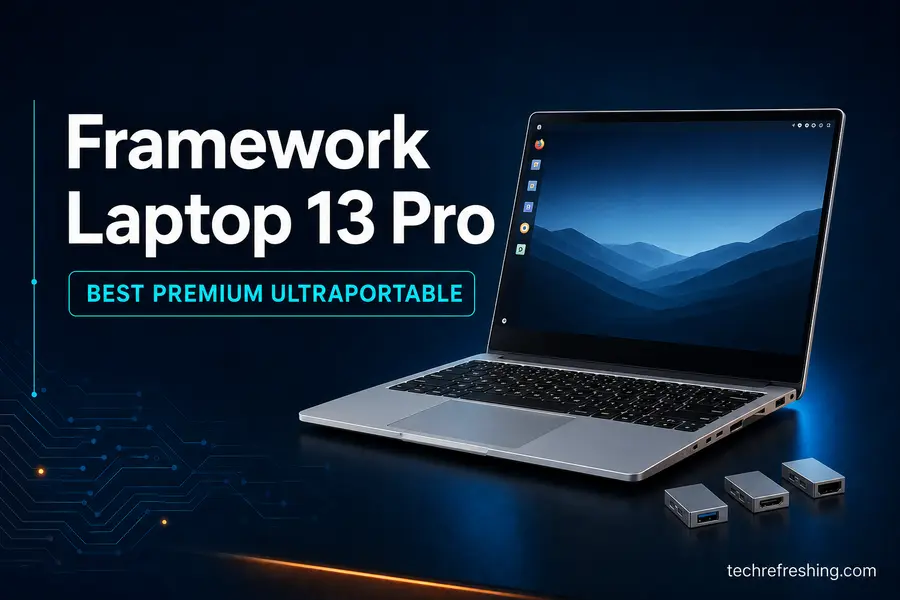
The standard Framework 13 earned a reputation for great hardware wrapped in a chassis that felt a little cheap, with battery life that didn’t match the price tag. The 13 Pro is Framework’s direct response: a redesigned CNC-machined body, a haptic touchpad, and a much larger 74Wh battery that actually gets this laptop into “leave the charger at home” territory.
This is also the first Framework laptop with real factory Ubuntu 26.04 LTS certification on specific configurations, rather than “the community has figured out how to make it work.” You can spec it with Intel’s Panther Lake Core Ultra X7 358H or AMD’s Ryzen AI 9 HX 370, both using upgradeable LPCAMM2 memory, in a 1.4kg body.
It isn’t cheap once you start adding memory and storage, and AMD configurations have been shipping behind the Intel variants — worth checking current lead times before you commit if you need it by a specific date.
- Genuine Ubuntu certification, not a “should work fine” community claim
- Meaningfully better battery life than the standard Framework 13
- Same repairability ethos in a more refined, less budget-feeling build
Price: Pre-built Ubuntu editions start around $2,000 for the Intel X7 configuration with 32GB RAM and 1TB storage.
Check current configurations on Framework’s site →
3. Framework Laptop 16 — Best for Creators Who Need a GPU
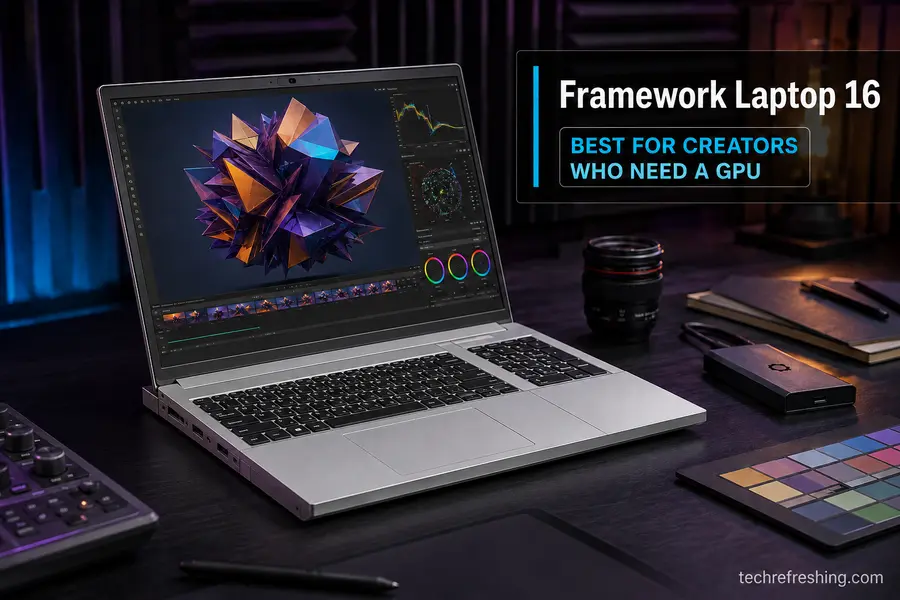
Everything else on this list uses fixed graphics, whether integrated or a single soldered discrete GPU. The Framework 16 is the only laptop here where the GPU itself is a module you can physically remove and replace — pop the back panel, slide the card out, drop a new one in when AMD ships something faster.
For 2026, that’s paired with Ryzen AI 300-series processors, a 16-inch QHD+ 165Hz display, and an 85Wh battery. Framework also redesigned the thermal system with a phase-change interface material that keeps fan noise down under sustained load, which matters if you’re doing render jobs or long compile sessions.
It’s bigger and heavier than the 13-inch models by necessity, and running the discrete GPU module eats into battery life fast — this is a plug-in-at-your-desk machine more than a coffee-shop laptop.
- Only laptop in this guide with a truly swappable discrete GPU
- OCuLink expansion bay supports external GPUs or NVMe arrays down the line
- Full-size keyboard and generous Expansion Card port selection
Price: DIY Edition from around $1,499; higher-end builds with a GPU module run $2,500–$2,800.
Check current configurations on Framework’s site →
4. System76 Lemur Pro (2026 Refresh) — Best for Battery Life
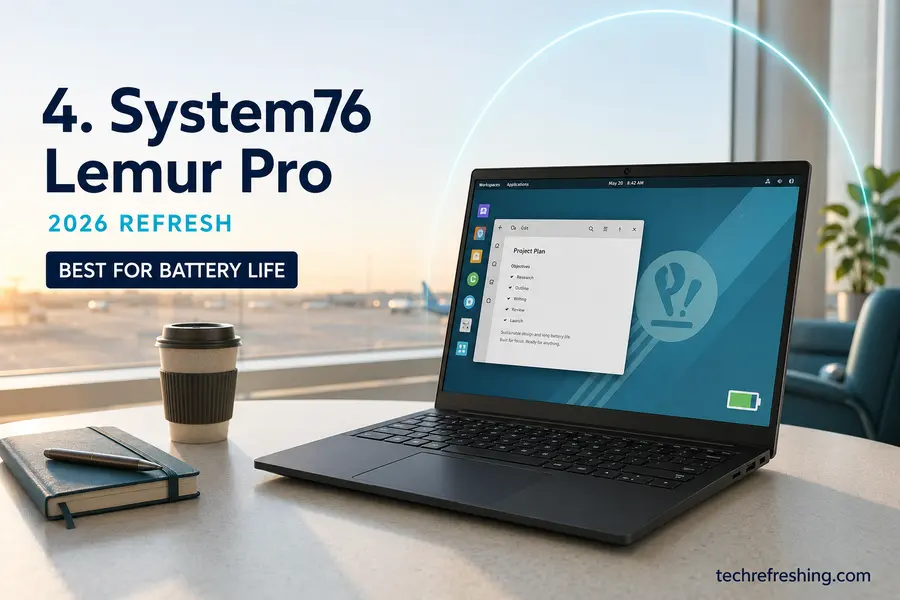
System76 rebuilt the Lemur Pro from the ground up this year, and the battery-life claim is the headline: up to 18 hours, the longest the company has ever offered, in a 14-inch chassis that weighs just 2.2 pounds. That’s a real jump from the previous Ryzen and Meteor Lake-era models, driven by the efficiency gains in Intel’s Panther Lake platform.
You get a choice of Pop!_OS 24.04 LTS with the new COSMIC desktop, Ubuntu 24.04 LTS, or Ubuntu 26.04 LTS, all installed and validated by System76 before it ships — not dropped on as an afterthought. The company also runs open Coreboot firmware and ships with Intel’s Management Engine disabled, which is a genuine point in its favor if firmware transparency matters to you.
The limitation is memory: 32GB is the ceiling here, which is fine for writing, browsing, and general development but a real constraint if you’re running several VMs or containers at once.
- Longest battery life of any Linux-first laptop in this guide
- Coreboot firmware and disabled Intel ME as standard, not an upgrade
- US-based support staff who actually work with this exact hardware daily
Price: From $1,923 (14-inch, Core Ultra 5 325); the 16-inch Core Ultra X7 358H configuration starts at $2,282.
Check current configurations on System76’s site →
5. System76 Oryx Pro — Best for Gaming and Heavy Workloads
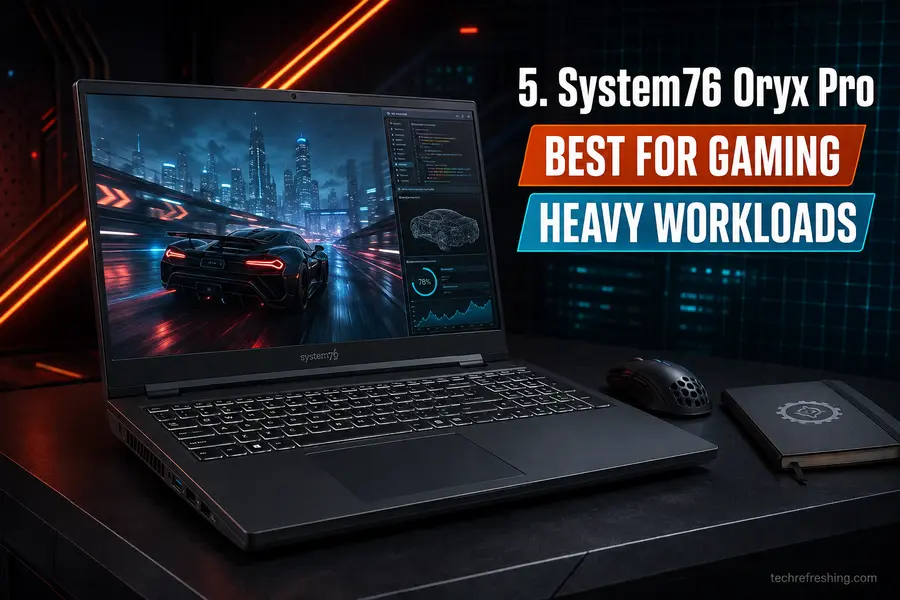
If the Lemur Pro is the “throw it in a bag and forget about the charger” machine, the Oryx Pro is System76’s answer for people who need real GPU horsepower. The current build pairs an AMD Ryzen AI 7 450 with an Nvidia RTX 5060, a 2K 300Hz display, and configuration options that go absurdly far — up to 96GB of RAM and 8TB of NVMe storage if you’re willing to pay for it.
The advantage of buying this over a repurposed gaming laptop is that System76 preloads and validates both the Nvidia and AMD drivers, including the hybrid graphics switching that automatically routes light tasks to the integrated GPU and heavier ones to the discrete card. It’s also one of the few machines currently offering the COSMIC desktop as a supported, first-class option instead of an experimental install.
It’s not a travel laptop. At nearly 4.6 lbs with a 16-inch chassis, this is a desktop replacement, and Nvidia’s proprietary driver stack still occasionally lags a step behind the very newest kernel releases.
- Nvidia drivers preconfigured and working out of the box, hybrid switching included
- Enormous RAM and storage ceiling for ML work, VMs, or heavy multitasking
- High refresh-rate display that’s equally good for gaming and fast-scrolling productivity work
Price: From $2,599.
Check current configurations on System76’s site →
6. Dell 14 Plus / XPS 14 Ubuntu Edition — Best Mainstream OEM Pick
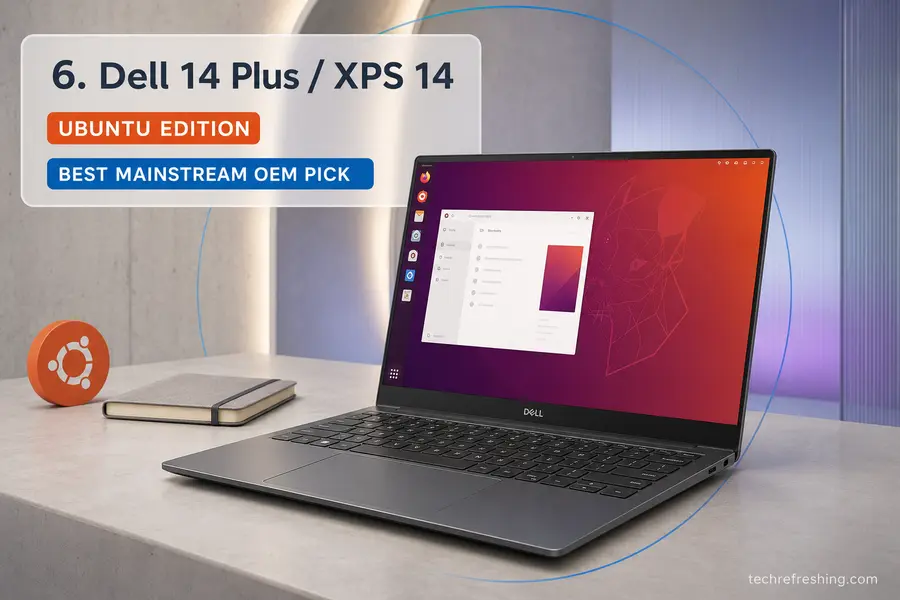
Dell’s Linux history goes back to the original Project Sputnik in 2012, and the current XPS 14 is arguably the most complete Ubuntu offering the company has shipped. As of June 2026, Dell extended factory Ubuntu 24.04 LTS to the full XPS 14 lineup in the US and Canada — Core Ultra 5 325, Core Ultra 7 355, and Core Ultra X7 358H, with the flagship X9 configuration arriving slightly later to align with its Windows counterpart.
What you’re buying: a sub-3-pound aluminum chassis, up to 64GB of LPDDR5X memory, an optional tandem OLED display, three Thunderbolt 4 ports, and Wi-Fi 7. Interestingly, the Ubuntu configuration is priced a bit lower than the equivalent Windows unit, since Dell isn’t paying a Windows license fee on those SKUs.
The catch is port selection — three Thunderbolt 4 ports and nothing else means you’ll want a dock or dongle for HDMI. And this Ubuntu rollout is still US/Canada only, so if you’re reading this from outside North America, you’re currently stuck waiting.
- Factory Ubuntu install from a major OEM with real support infrastructure behind it
- No configuration restrictions on the Ubuntu SKUs compared to Windows
- Slightly cheaper than the same laptop running Windows
Price: From $1,899.
Check current configurations on Dell’s site →
7. Lenovo ThinkPad T14s Gen 6 AMD — Best for Business and Enterprise
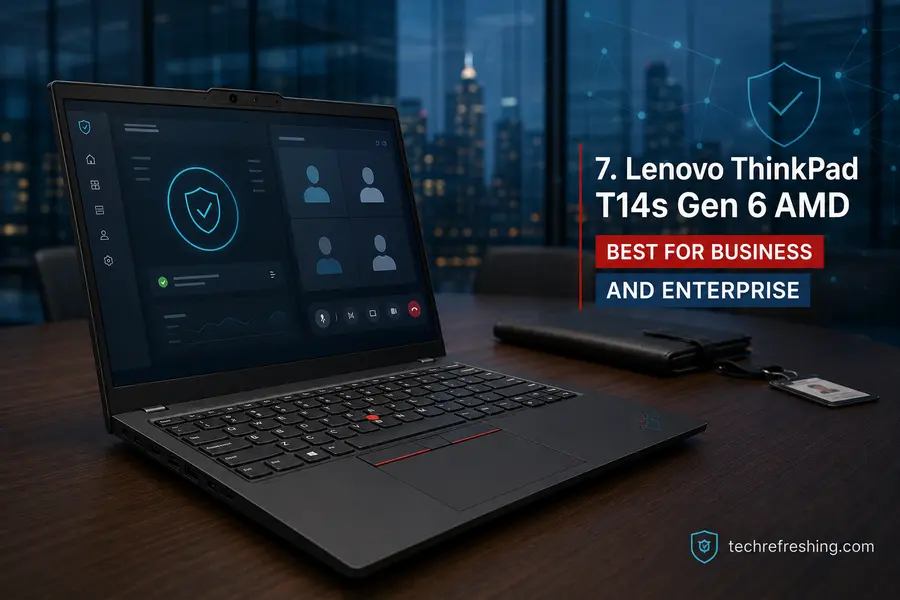
ThinkPads have been the default “just buy this if you want Linux to work” recommendation for well over a decade, and the T14s Gen 6 AMD carries that reputation forward without much drama. It’s officially Ubuntu-certified, runs AMD’s Ryzen AI 7 PRO 350 (or the HX PRO 370 in higher configurations), and scales up to 64GB of RAM — enough headroom for running several Docker containers, a local database, and a memory-hungry IDE at the same time without things grinding to a halt.
It’s noticeably lighter than the standard T14 at around 2.73 pounds, and the keyboard is exactly what you’d expect from a ThinkPad: still one of the best in the industry. If your work leans toward CAD, scientific computing, or other heavier local workloads, Lenovo’s P14s and P16s Gen 6 mobile workstations carry the same Ubuntu certification with even more RAM ceiling.
- Official Ubuntu certification straight from Lenovo, not a third-party claim
- Excellent keyboard and the build quality ThinkPads are known for
- Sold through Amazon, Best Buy, and B&H, not locked to a direct-only storefront
Downsides worth flagging: you’re paying a business-line premium over consumer laptops with similar internals, some fingerprint reader and webcam configurations still have inconsistent Linux support, and the base 1080p display feels plain next to the OLED options elsewhere in this guide.
Price: From around $1,499, though Lenovo’s frequent sales and education/business pricing regularly bring this lower.
Check current configurations on Lenovo’s site →
8. Star Labs StarBook Horizon — Best for Privacy and Open Firmware
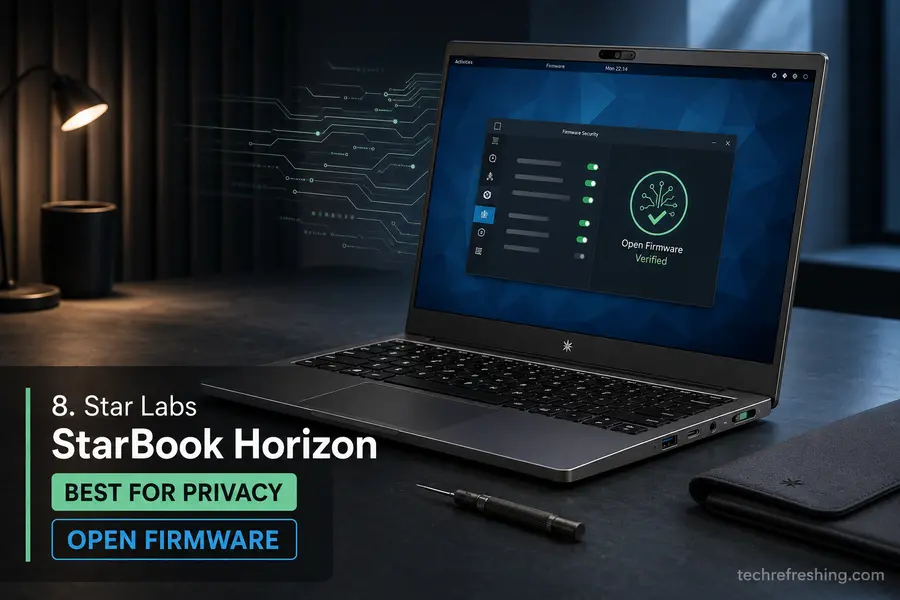
Star Labs is a smaller UK manufacturer that ships direct to US customers through its own storefront, and the StarBook Horizon is one of the more interesting options here precisely because it doesn’t chase a certification checklist. Instead of certifying one fixed distro, Star Labs builds around standard installation media and upstream kernel drivers, so Fedora, Arch, Debian, Pop!_OS, or whatever else you prefer tends to install and run cleanly without special images.
The security features are the real draw: BIOS Lock to prevent unauthorized firmware writes, Secure Boot and Measured Boot support, a discrete TPM 2.0 chip, and Intel ME disabled by default. It’s a light 13.4-inch machine built for everyday development and browsing rather than heavy compute — don’t expect it to compete with the Oryx Pro on raw performance.
RAM is soldered on some configurations, so you’ll want to decide your ceiling before ordering rather than planning to upgrade later. And as a smaller company, support response times run longer than what you’d get from Dell or Lenovo.
- True distro-agnostic support, not a fixed certification list
- Strong firmware security posture: BIOS Lock, Measured Boot, disabled Intel ME
- Compact, efficient design that travels well
Price: From $1,357.
Check current configurations on Star Labs’s site →
9. Purism Librem 16 — Best for Maximum Privacy
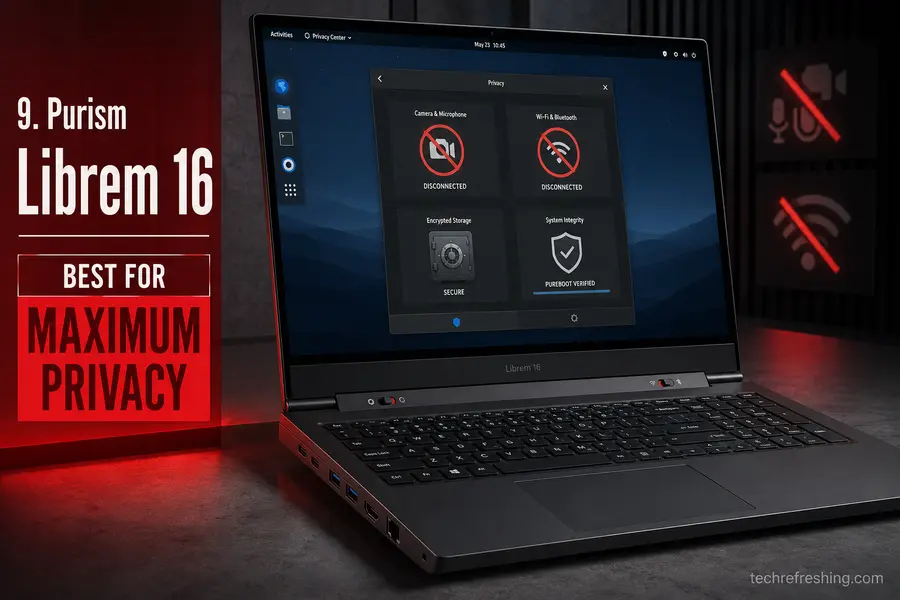
Purism launched the Librem 16 in June 2026, and it’s the most aggressively privacy-hardened laptop in this guide by a wide margin. Physical hardware kill switches — not software toggles — cut power to the camera and microphone with one switch, and to Wi-Fi and Bluetooth with another. Add Coreboot firmware, a disabled Intel Management Engine, and an optional PureBoot plus Librem Key setup that can detect firmware tampering between boots, and you’re looking at hardware built for a genuinely different threat model than the rest of this list.
It ships with PureOS, Purism’s own Debian-based distribution endorsed by the Free Software Foundation, built to avoid proprietary blobs wherever that’s technically possible. This isn’t a laptop chasing benchmark charts — it’s aimed at journalists, researchers, and anyone whose work requires hardware-level isolation as a baseline, not a nice-to-have.
The CPU is a 13th-gen Intel Core i7-13620H, which is a generation or two behind everything else in this guide, and DDR4 memory plus modest integrated graphics mean it’s not the machine to buy for creative or gaming workloads. You’re paying for the privacy architecture, not the spec sheet.
- Physical kill switches for camera, mic, Wi-Fi, and Bluetooth — genuinely disconnected, not software-muted
- Coreboot firmware with disabled Intel ME and tamper-evident boot verification
- Built by a company whose entire business model is structured around user privacy, not bolted on as a feature
Price: From $2,899 for the base configuration (16GB RAM, 512GB SSD).
Check current configurations on Purism’s site →
10. Lenovo IdeaPad Slim 5 (AMD) — Best Budget Pick Under $600
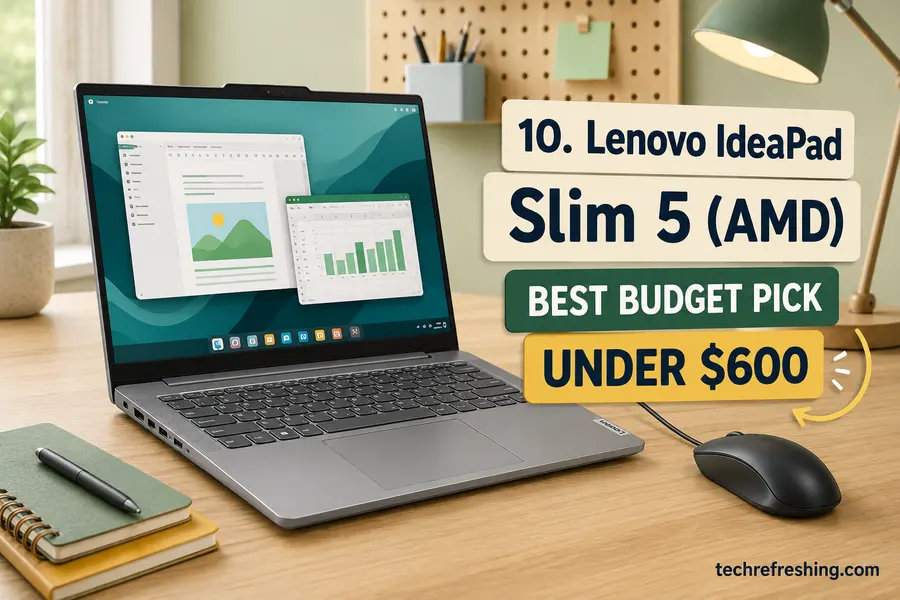
Not every Linux setup needs a laptop designed specifically for it, and if your budget tops out under $600, that’s genuinely fine. The AMD-configured IdeaPad Slim 5 has quietly become one of the more reliable budget picks for Linux, mostly because AMD’s integrated Radeon graphics run on the same mature Mesa driver stack as pricier laptops, and most IdeaPad Slim 5 configurations avoid the flakier Realtek Wi-Fi chips that cause headaches on cheaper machines.
Typical configurations pair a Ryzen 5 or Ryzen 7 with 16GB of RAM and a 512GB SSD — plenty for browsing, office work, a lightweight IDE, and everyday student or home use. It won’t match the ThinkPad’s build quality or the Framework’s repairability, and you’re on your own for OS installation, but as a starting point for someone dipping a toe into Linux without a big budget, it’s hard to beat.
- Real 16GB of RAM and solid Ryzen performance at a genuinely low price
- Widely stocked at Amazon, Best Buy, and Lenovo direct, with frequent sales
- AMD graphics avoid most of the driver friction that plagues budget Intel and Nvidia combos
Price: Typically $550–$600 depending on configuration and current promotions.
Check current configurations on Lenovo’s site →
Which One Should You Actually Buy?
If you only take one recommendation from this guide: the Framework Laptop 13 is the strongest all-around pick for most people right now. It balances current hardware, real long-term repairability, and a price that doesn’t require a second mortgage.
For the smoothest possible out-of-the-box experience with the best battery life, go with the System76 Lemur Pro. If your workload genuinely needs GPU power, look at the Framework Laptop 16 for a modular graphics setup, or the System76 Oryx Pro if you want everything preconfigured and ready to go. Business buyers who need certification and enterprise support should default to the Lenovo ThinkPad T14s Gen 6 AMD, and if your budget is tight, the Lenovo IdeaPad Slim 5 remains the sanest starting point.
Linux hardware compatibility isn’t a solved problem — Wi-Fi chipsets and suspend/resume bugs still catch people off guard occasionally — but it’s no longer the obstacle course it used to be. Any of these ten laptops will get you a genuinely good daily-driver experience.
Frequently Asked Questions
What is the best Linux laptop for beginners in 2026?
The Dell 14 Plus / XPS 14 Ubuntu Edition is the easiest starting point, since it ships with Ubuntu pre-installed and configured, backed by mainstream Dell support channels.
Do Linux laptops need special drivers?
Most current Intel and AMD hardware works out of the box through the mainline kernel, though Nvidia GPUs and a handful of Wi-Fi chipsets may need extra setup.
Is Framework or System76 better for Linux?
Framework wins on repairability and long-term upgradeability; System76 wins on out-of-the-box polish, since every unit is configured and tested with Linux before it ships.
Can I install any Linux distro on these laptops?
Yes, on nearly all of them — though officially certified models like the ThinkPad T14s or Dell XPS 14 guarantee the smoothest experience specifically on Ubuntu.
What’s the cheapest reliable way to run Linux on a laptop?
A new budget laptop like the Lenovo IdeaPad Slim 5 with AMD hardware, or a well-maintained refurbished ThinkPad, both deliver strong compatibility for under $600.
Do I need 16GB of RAM for a Linux laptop?
For everyday browsing and office work, 8GB gets by, but 16GB is strongly recommended if you’re running multiple containers, VMs, or a modern IDE.
Written by Anup, a long-time Linux user who tracks the Linux hardware space closely. This guide is based on manufacturer specs, official documentation, and community-reported driver compatibility rather than in-house lab testing — details are noted accordingly throughout.
Pricing, specifications, and availability reflect September 2026 and are subject to change by manufacturers and retailers. Confirm current details directly with the retailer before purchasing. This article is for informational purposes and doesn’t guarantee compatibility with every specific use case or distro configuration.
About the Author