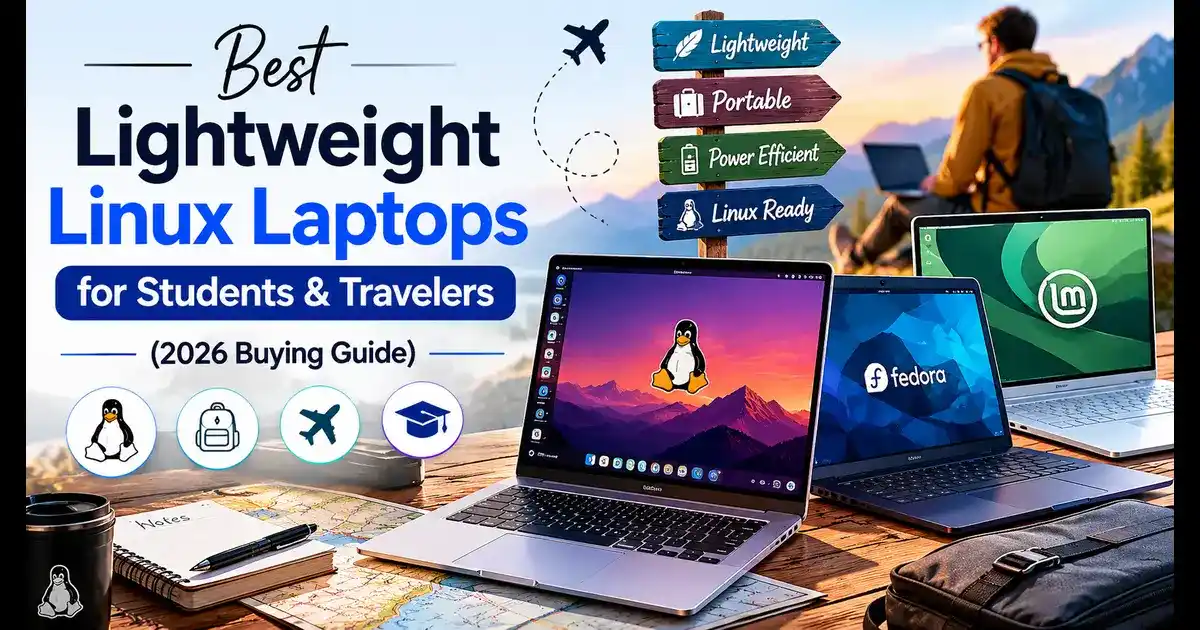
Best Lightweight Linux Laptops for Students and Travelers (2)
Whether you’re cramming for finals in a campus café or hopping between time zones for work, finding the best lightweight Linux laptops for students and travelers is one of those decisions that genuinely shapes how productive your days feel. The wrong pick weighs down your bag and drains in three hours. The right one disappears into your backpack and lasts all day.
This guide breaks down the top picks available in the U.S. right now — May 2026 — with real specs, honest pros and cons, current prices, and links to buy. No fluff, no recycled specs sheets.
Why Linux for Students and Travelers?
Linux has never been more travel-ready. Modern distros like Ubuntu 24.04 LTS and Pop!_OS handle Wi-Fi, Bluetooth, and even external displays out of the box on most new hardware. You get a fast, clean operating system with no bloatware, strong privacy controls, and a terminal that actually works the way developers and students need it to.
For travelers specifically, the security benefits are real — fewer malware vectors, no surprise telemetry slowing you down on hotel Wi-Fi, and the ability to lock down your machine properly when crossing borders.
What to Look for in a Linux Laptop for Travel and Study
Before jumping into specific models, here’s what actually matters for this use case:
- Weight under 3 lbs — anything heavier gets old fast in a backpack
- Battery life of 10+ hours real-world — not the manufacturer’s best-case number
- Confirmed Linux driver support — Wi-Fi, audio, sleep/wake, and function keys should all work
- At least 16GB RAM — enough for multitasking, containers, or light dev work
- SSD storage — NVMe SSDs are now standard; avoid eMMC at any price point
- Sturdy build — magnesium alloy or aluminum holds up better than plastic on the road
- Reasonable port selection — at least two USB-C ports plus a USB-A
With that in mind, here are the five best options right now.
The 5 Best Lightweight Linux Laptops for Students and Travelers (May 2026)
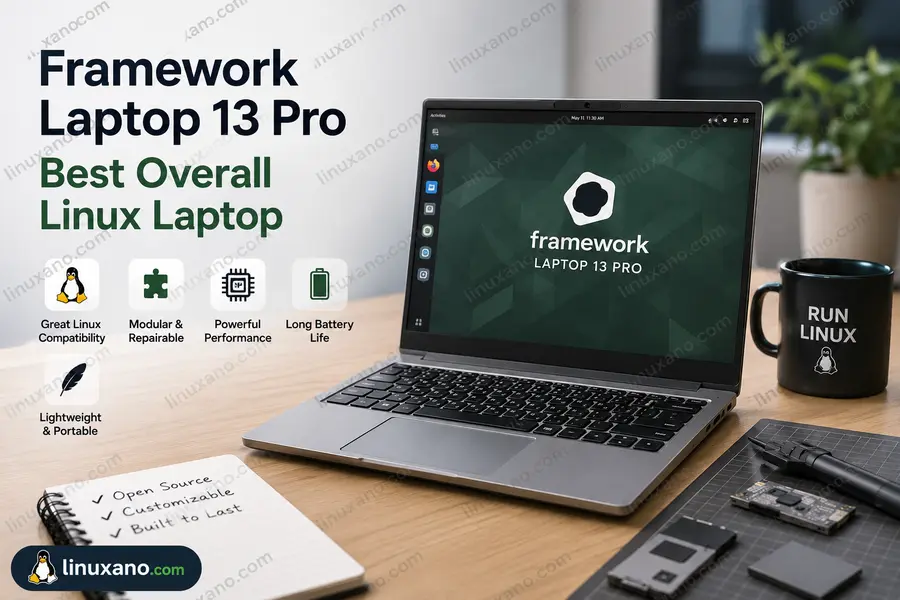
1. Framework Laptop 13 Pro — Best Overall Linux Laptop
$1,499 (Pre-built with Ubuntu)
$1,199 (DIY Edition)
framework.com
~2.87 lbs
74 Wh (Up to ~14–16 hrs real-world)
Framework made headlines in April 2026 when it announced the Laptop 13 Pro — and then watched Ubuntu configurations outsell Windows ones at launch. That’s not a small thing. It means the Linux community has voted with their wallets, and for good reason.
The Framework Laptop 13 Pro comes with a CNC machined aluminum body, a fully custom 13.5-inch touchscreen display, a haptic touchpad, a larger 74 Wh battery, Intel Core Ultra Series 3 processors, LPCAMM2 memory, Wi-Fi 7, PCIe 5.0, and Ubuntu pre-installed as a first-class option.
The display is a 13.5-inch LTPS LCD at 2880×1920 with a 3:2 aspect ratio, giving you more vertical screen space — better for reading code or long documents without scrolling as much. It covers 700 nits peak brightness and offers variable refresh rate from 30Hz to 120Hz, with integrated touch support built into the panel for the first time on a Framework 13-inch laptop.
The Framework Laptop 13 Pro is optimized for Linux, offering preloaded Ubuntu-certified versions for a hassle-free setup. Firmware updates are delivered through the Linux Vendor Firmware Service (LVFS), keeping the device up-to-date with minimal effort. The company also actively contributes to upstream Linux distributions, reinforcing its commitment to open-source software.
What makes this genuinely different from other “Linux-compatible” laptops is the repairability angle. You can swap the battery yourself in five minutes. The ports are modular — pick which USB-C, USB-A, HDMI, or SD card slots you need. In two or three years when the battery degrades, you don’t throw the laptop away.
Intel Core Ultra 5
Intel Core Ultra X7
Intel Core Ultra X9 (Series 3)
AMD Ryzen AI 300 also available
13.5″ 2880×1920 Resolution
3:2 Aspect Ratio
120Hz VRR + Touch Support
LPCAMM2 Memory
Fully Upgradeable Design
Wi-Fi 7
Thunderbolt 4
Modular Expansion Ports
✅ Pros
- Ubuntu outselling Windows at launch — Linux support is genuinely first-class
- Fully modular and repairable — swap battery, RAM, SSD, and ports yourself
- 74 Wh battery is a big jump from the previous generation
- 3:2 display aspect ratio is ideal for productivity and reading
- Wi-Fi 7 and PCIe 5.0 are genuinely future-proof in 2026
❌ Cons
- Ships in June 2026; ordering in May means a 4–6 week wait
- DIY Edition requires you to supply your own RAM and SSD — adds cost
- Uses EDK2 firmware rather than Coreboot, so it’s not fully open-source at the firmware level
- Heavier than ultra-portable competitors like the LG Gram
💡 Best For
Developers, CS students, and power users who want repairable hardware with excellent Linux support and long-term upgrade flexibility.
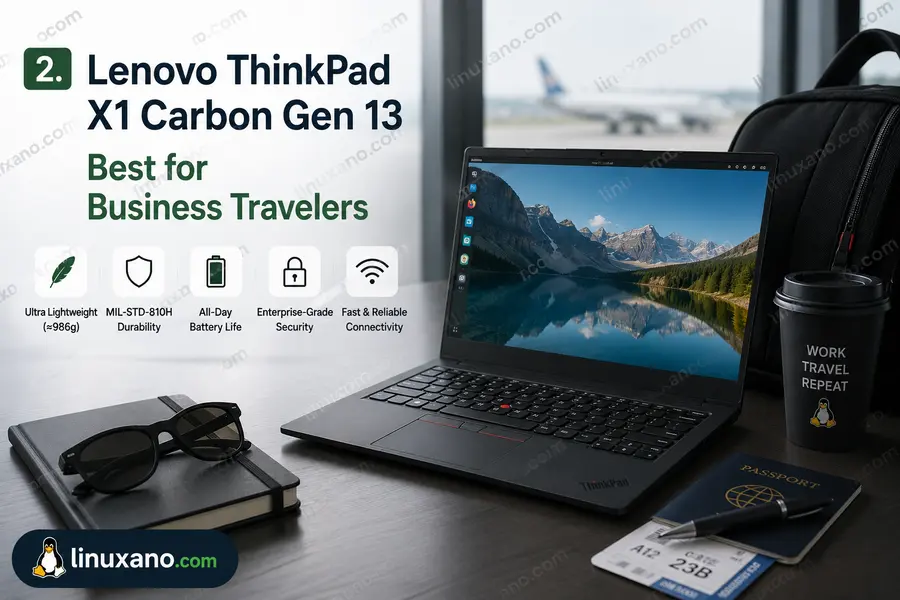
2. Lenovo ThinkPad X1 Carbon Gen 13 — Best for Business Travelers
From $1,655
~2.48 lbs
57 Wh (up to 15+ hrs on Linux with Lunar Lake efficiency)
The ThinkPad X1 Carbon has been the go-to Linux laptop for professionals for years, and the Gen 13 doesn’t break that streak. The Lenovo ThinkPad X1 Carbon Gen 13 Aura Edition is powered by Intel Lunar Lake and is a solid option for very reliable and well-engineered laptop use, particularly for those who want proven build quality backed by on-site warranty and other warranty/support options, and exceptional battery life.
The ThinkPad X1 Carbon Gen 13 is significantly lighter than the previous year’s model and offers more than twice the battery time. Despite the appreciable decrease in weight, the X1 Carbon Gen 13 looks and feels nearly identical to previous models, serving up the familiar ThinkPad look with an exceptional keyboard and the twin input devices of the venerable pointing stick and more commonly used touchpad.
At under 2.5 lbs, this is one of the lightest 14-inch laptops you’ll find anywhere. The keyboard is still the best in class for most ThinkPad loyalists — deep travel, confident feedback, and backlighting that doesn’t feel like an afterthought. For students who type a lot and professionals who live in terminals and text editors, that matters more than benchmark scores.
Linux support is solid. Lenovo has been certifying ThinkPads for Ubuntu for years, and the Gen 13 continues that tradition. Most things work out of the box; the fingerprint reader and camera require a quick post-install fix in some distros, but nothing that takes more than ten minutes.
Intel Core Ultra 5 226V
(Lunar Lake)
14″ IPS Display
1920×1200 Resolution
400 nits Brightness
16GB LPDDR5
Onboard Memory
2.48 lbs
2× Thunderbolt 4
2× USB-A 3.2
HDMI
3.5mm Audio Jack
✅ Pros
- Lightest 14-inch laptop in its class at under 2.5 lbs
- Keyboard remains best-in-class for serious typists
- Dual input (TrackPoint + touchpad) is unmatched for efficiency
- Lenovo offers certified Linux support and enterprise warranty options
- Lunar Lake delivers excellent battery efficiency under Linux
❌ Cons
- Starts at $1,655 — upgrades can push it past $2,400 quickly
- RAM is soldered; you can’t upgrade it later
- Aura Edition features are Windows-specific and largely irrelevant on Linux
- Thinner bezels mean display brightness is acceptable but not exceptional
💡 Best For
Business travelers, graduate students, and professionals who want proven Linux compatibility, featherlight portability, and enterprise-grade durability.
3. Dell XPS 13 9350 — Best Premium Ultrabook for Linux
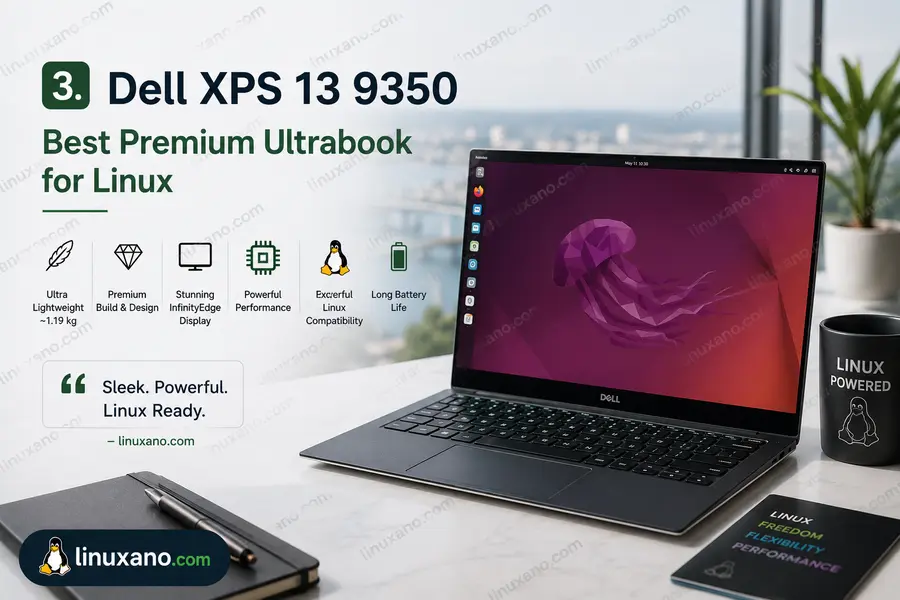
The XPS 13 9350 is Dell’s thinnest and lightest XPS laptop ever, and it shows. At just 0.58 inches thick in the OLED configuration and starting weight of 2.60 lbs, the XPS 13 is a seriously compact machine. It’s powered by Intel Core Ultra processors Series 2 that enable AI experiences in a slim form factor.
The design is polarizing — Dell went hard on minimalism with a glass palm rest and a haptic trackpad that doesn’t physically click. Some people love it; others find the lack of physical feedback jarring at first. After a week, most users adjust.
Linux compatibility on the XPS 13 has improved dramatically over the past few generations. Dell’s own Developer Edition (Ubuntu pre-installed) exists for the XPS lineup, and even the standard Windows version runs Ubuntu and Fedora well. Drivers for Wi-Fi, audio, and the display are all upstream now — meaning they work without hunting down proprietary packages.
The OLED display option is genuinely beautiful. Color accuracy is excellent for design work or photo editing, and the 2880×1800 resolution gives you a lot of screen real estate in a compact footprint.
Intel Core Ultra 5 226V
or Core Ultra 7 258V
13.4″ OLED
2880×1800 Resolution
120Hz Refresh Rate
QHD+ / FHD+ IPS Options Available
16GB or 32GB LPDDR5X
Onboard Memory
512GB or 1TB
NVMe SSD
2× Thunderbolt 4
3.5mm Audio Jack
No USB-A Port (Adapter Required)
✅ Pros
- Thinnest XPS ever — genuinely pocketable by laptop standards
- OLED display option is stunning for creative work and media
- Dell offers Ubuntu Developer Edition for plug-and-play Linux setup
- Strong resale value and brand recognition for campus use
- Great build quality with premium materials throughout
❌ Cons
- No USB-A ports — you’ll need a hub or adapter for everyday peripherals
- RAM is soldered and non-upgradeable
- Glass palm rest shows fingerprints constantly
- Battery life is competitive but not class-leading
- Haptic trackpad takes some adjustment
💡 Best For
Students who want a premium ultra-slim laptop and are comfortable using a USB-C adapter for their existing peripherals.
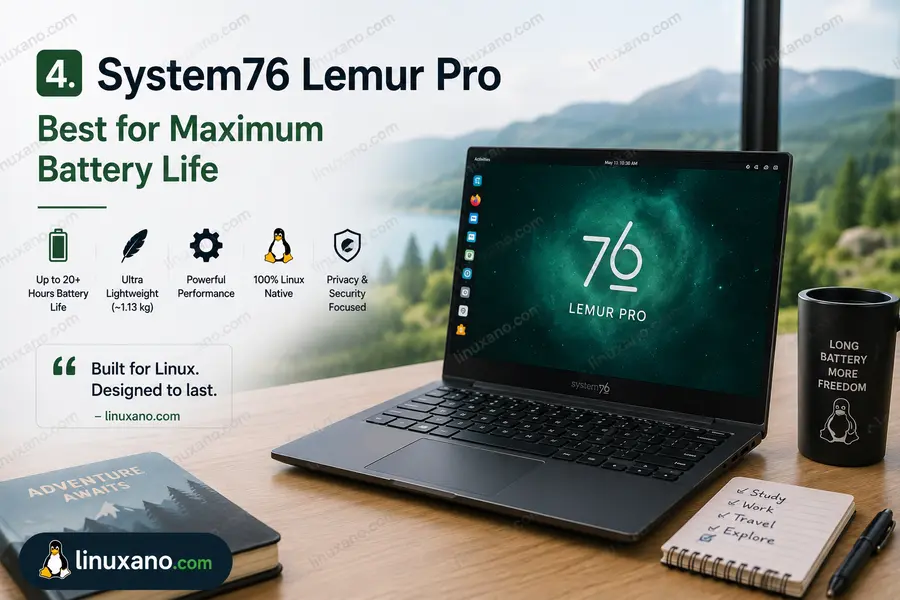
4. System76 Lemur Pro — Best for Maximum Battery Life
From $1,499
system76.com
2.2 lbs
73 Wh
Up to 14–16 hours real-world
System76’s Lemur Pro features a 12-core Intel Core Ultra 5 or 7 CPU, long battery life of up to 14 hours, making it ideal for long workdays away from power outlets, up to 8TB of NVMe storage, and up to 56GB of DDR5 RAM.
At 2.2 lbs, the Lemur Pro is the lightest laptop on this list — and one of the lightest 14-inch laptops sold anywhere. It’s not that it sacrifices build quality for weight; System76 engineers in Colorado have done real work making the chassis strong while keeping mass low.
The Lemur Pro features a Thunderbolt 4 port with Power Delivery, Wi-Fi 6E, Bluetooth 5.3, a multitouch clickpad, a backlit US QWERTY keyboard, and a 2.0MP FullHD webcam.
The bigger story here is the software. System76 offers a first-class Linux experience backed by a unique blend of repairability, open-source software, customization, and privacy-focused features, plus US-based engineering and support. Pop!_OS comes pre-installed and is tuned specifically for this hardware — power profiles, suspend/resume, and even the keyboard shortcuts are optimized for the machine.
System76 also uses open-source firmware (Coreboot) on many of their machines, which puts them in a different category from most laptop makers when it comes to firmware transparency and security. If you’re doing security research, privacy-critical work, or just care about what’s running below the OS, this matters.
The trade-off is the price. At $1,499 base, you’re paying for the Linux-first experience, not for raw hardware value. You can buy a Windows laptop with a faster chip for less. But you’d spend hours getting Linux working properly on it — and some things still wouldn’t work.
Intel Core Ultra 5 125U
or Core Ultra 7 155U
14.1″ IPS Display
1920×1080 Resolution
Matte Finish
Up to 56GB DDR5
Up to 8TB NVMe SSD
Pop!_OS (Pre-installed)
or Ubuntu
✅ Pros
- Lightest laptop on this list at just 2.2 lbs
- Pop!_OS comes pre-installed, tuned specifically for the hardware
- Open-source firmware for maximum transparency and security
- Up to 56GB RAM and 8TB storage for serious workflows
- Excellent US-based customer support
❌ Cons
- 1080p display looks dated compared to competitors with 2K or OLED panels
- Wi-Fi 6E rather than Wi-Fi 7 (Gen 13-era chip limitation)
- Price feels high relative to raw hardware specs
- Not as widely stocked — online-only purchase through System76
💡 Best For
Security-focused developers, privacy-conscious users, and frequent travelers who want the lightest possible Linux-native laptop.
5. LG Gram 14 (2026) — Best Lightweight All-Rounder
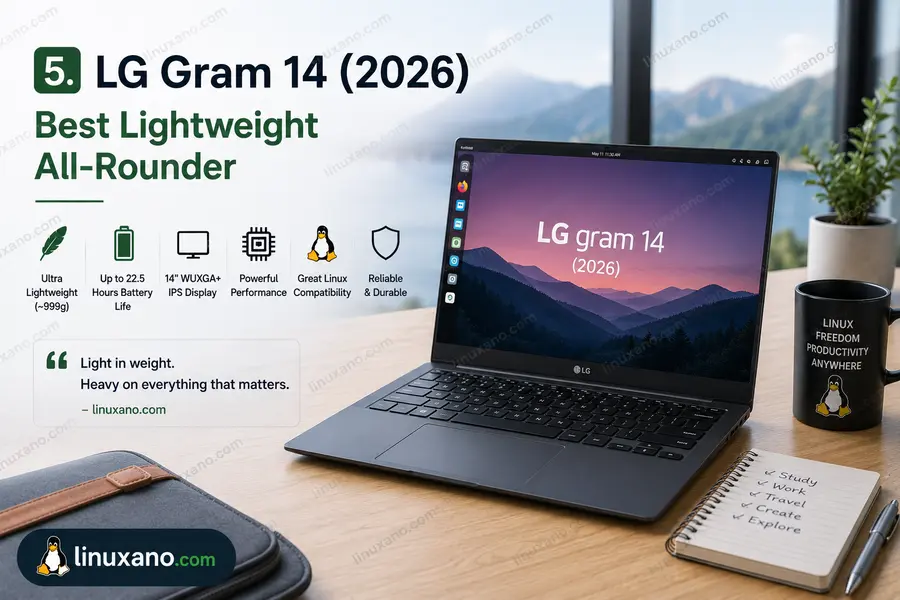
The LG gram offers ultra-light portability, weighing as little as 2.47 lbs in the 14-inch configuration, with Intel Core Ultra and AMD Ryzen AI processor options featuring up to 50 TOPS NPU performance.
The Gram 14 has always had a cult following, and the 2026 model earns it. LG managed to stuff a 72 Wh battery into a chassis that weighs just over two pounds — which is an engineering feat by any standard. The LG Gram 14 measures 15.7mm thick and weighs 1,120 grams (about 2.5 lbs). It features AMD Ryzen AI 7 450 processor options with 8-core Radeon 860M graphics and a 50 TOPS NPU, a 1920×1200 pixel IPS LCD display with 99% DCI-P3 color gamut, 350 nits max brightness, and a 60 Hz refresh rate.
The Gram isn’t sold with Linux pre-installed, but Ubuntu and Fedora run well on it. Wi-Fi (Intel AX or AMD equivalent), audio, and display all work without additional configuration on Ubuntu 24.04. The fingerprint reader has mixed results depending on the distro — Fedora 41 handles it better than some Ubuntu builds.
The LG Gram 14 demonstrates a masterclass in portability and build quality. Designed for life wherever your travels take you, this is an ultra-light, rugged, and comfortable device to use all day.
For students, the price point is a real advantage. At around $1,049 for a solid base configuration, it’s the most accessible laptop on this list. It also passes MIL-SPEC durability tests, meaning it’s built to handle drops, temperature extremes, and pressure — the kind of punishment a student’s backpack delivers every day.
Intel Core Ultra 5
(Intel Models)
or AMD Ryzen AI 7 450
(AMD Models)
14″ IPS Display
1920×1200 Resolution
16:10 Aspect Ratio
99% DCI-P3 Color Coverage
16GB LPDDR5x
Onboard Memory
512GB NVMe SSD
72 Wh
Windows 11
Linux Installable
✅ Pros
- Best price-to-portability ratio on this list
- 72 Wh battery in a 2.47 lb chassis is exceptional engineering
- MIL-SPEC durability for everyday student abuse
- 16:10 IPS display with 99% DCI-P3 is great for design students
- Available at Best Buy, Amazon, and LG.com — easy to buy and return
❌ Cons
- Ships with Windows; Linux installation required (adds 30–60 mins setup time)
- 60Hz display refresh rate — no high-refresh option available
- Fingerprint reader has inconsistent Linux driver support
- 350 nits peak brightness is adequate but not great in bright outdoor settings
- No Thunderbolt 4 on AMD models (USB4 instead)
💡 Best For
Budget-conscious students, first-time Linux users, and travelers who want featherlight durability without spending close to $1,500.
Quick Comparison Table
| Laptop | Weight | Battery | Display | Starting Price | Linux Support |
|---|---|---|---|---|---|
| Framework 13 Pro | ~2.87 lbs | 74 Wh | 13.5″ 2880×1920, 120Hz touch | $1,199 DIY / $1,499 pre-built | ★★★★★ Ubuntu pre-installed |
| ThinkPad X1 Carbon Gen 13 | 2.48 lbs | 57 Wh | 14″ IPS 1920×1200 | From $1,655 | ★★★★★ Certified |
| Dell XPS 13 9350 | 2.60 lbs | ~55 Wh | 13.4″ OLED 2880×1800 | From $1,299 | ★★★★☆ Dev Edition available |
| System76 Lemur Pro | 2.2 lbs | 73 Wh | 14.1″ IPS 1920×1080 | From $1,399 | ★★★★★ Pop!_OS native |
| LG Gram 14 (2026) | 2.47 lbs | 72 Wh | 14″ IPS 1920×1200 | From ~$1,099 | ★★★☆☆ Manual install |
Which One Should You Actually Buy?
Here’s the honest breakdown by use case:
You’re a CS or engineering student who wants the best long-term value, cares about repairing your own hardware, and doesn’t mind waiting until June for shipping: Framework 13 Pro. Ubuntu comes pre-installed, the community support is excellent, and in five years you’ll still be able to buy a new battery and motherboard.
You travel constantly for work and need zero-hassle Linux certification, enterprise support, and the lightest 14-inch laptop money can buy: ThinkPad X1 Carbon Gen 13. Lenovo has certified this for Ubuntu and offers on-site warranty — something no other laptop on this list provides.
You’re a design or media student who wants the best display in the smallest package and is comfortable adding a USB-C hub to your bag: Dell XPS 13 9350 with OLED. The display is genuinely stunning, and the Developer Edition removes the Linux setup headache entirely.
You work in security, privacy, or open-source development and want the most Linux-native experience possible with the lightest possible chassis: System76 Lemur Pro. You’re paying for the software ecosystem and firmware transparency, not just hardware.
You’re a student on a tighter budget who wants to try Linux without committing to an expensive machine, and wants something durable enough to survive campus life: LG Gram 14 (2026). Install Ubuntu, get comfortable with the OS, and you’ll have a fast, light laptop that’ll last through your degree.
Linux Distro Recommendations for Each Use Case
Choosing the right distribution matters almost as much as the hardware:
- Ubuntu 24.04 LTS — safest choice for any laptop on this list; widest hardware support, longest term support window
- Fedora 41 — excellent for developers; more current packages, better Wayland support
- Pop!_OS — specifically tuned for System76 hardware; also works well on Framework and ThinkPad
- Arch Linux — for experienced users who want total control; great on the X1 Carbon
- Linux Mint — best for students switching from Windows; familiar interface, rock-solid stability
Key Buying Considerations
Battery Life: Claims vs. Reality
Every manufacturer inflates battery figures. A good rule of thumb: take the claimed number, subtract 30–35%, and that’s your real-world result with screen brightness at 50–60% and a typical workload. The Framework 13 Pro claims up to 20 hours; expect 13–15 hours doing real work. The Gram 14 claims similarly; real-world numbers land around 12–14 hours.
For travelers crossing multiple time zones, a 72–74 Wh battery is your baseline. Anything smaller and you’re hunting for an outlet by early afternoon.
Weight and the “Daily Carry” Test
The difference between 2.2 lbs (Lemur Pro) and 2.87 lbs (Framework) sounds small on paper. Over a year of daily carrying, it’s significant. If you’re backpacking, taking public transit, or spending time in airports every week, that half-pound matters. If you’re primarily moving between classrooms or a home office and a library, it’s less relevant than display quality or keyboard feel.
Linux Driver Maturity
In 2026, the Linux kernel has dramatically better hardware support than even three years ago. That said, there’s still a tiered system:
Tier 1 (plug-and-play): Framework 13 Pro, ThinkPad X1 Carbon Gen 13, System76 Lemur Pro
Tier 2 (minor setup required): Dell XPS 13 (non-Dev Edition), LG Gram 14
Tier 2 isn’t a dealbreaker — it’s usually a 30-minute one-time setup. But if you need Linux running the day the laptop arrives, stick to Tier 1.
Ports Matter More Than You Think
Students and travelers use a lot of different peripherals. HDMI for projectors, USB-A for flash drives and older accessories, SD cards for cameras. The XPS 13 is the most aggressive about cutting ports (Thunderbolt 4 only), which means a USB-C hub becomes mandatory. The ThinkPad and Gram are more generous. Framework lets you pick your own port configuration, which is genuinely useful.
Frequently Asked Questions
Can I run Linux on any of these laptops out of the box?
The Framework 13 Pro, ThinkPad X1 Carbon Gen 13, and System76 Lemur Pro all ship with Linux pre-installed or fully certified. The Dell XPS 13 is available in a Developer Edition with Ubuntu. The LG Gram 14 requires you to install Linux yourself, which takes about 30–45 minutes.
Which Linux laptop has the best battery life for travelers?
The System76 Lemur Pro and LG Gram 14 both carry 72–73 Wh batteries in sub-2.5 lb chassis, making them the top picks for all-day use without a charger. Real-world numbers land around 12–16 hours depending on workload and screen brightness.
Is the Framework Laptop 13 Pro good for students?
Yes — particularly for computer science, engineering, or design students. The repairability means you won’t need to buy a replacement if the battery degrades or a component fails. Ubuntu comes pre-installed, and the modular port system means you can adapt the laptop to your specific needs.
Which laptop is the lightest on this list?
The System76 Lemur Pro weighs just 2.2 lbs, making it the lightest option available with full Linux support in the U.S. right now.
What’s the best budget Linux laptop for students in the USA?
The LG Gram 14 (2026) at around $1,049 offers the best balance of weight, battery life, and price. It requires a manual Linux install but delivers solid performance and MIL-SPEC durability for the money.
Final Thoughts
The best lightweight Linux laptop for students and travelers in 2026 doesn’t have one universal answer — it depends on what you actually do with a laptop every day. If repairability and Linux-first support matter most, the Framework 13 Pro is a genuinely exciting machine. If you travel for work and need certified Linux support with a proven track record, the ThinkPad X1 Carbon Gen 13 is hard to beat. If budget is the primary constraint, the LG Gram 14 punches well above its price.
The good news is that all five options on this list run Linux well in 2026. The era of driver nightmares and half-broken sleep/wake cycles is largely behind us. Pick the laptop that fits your life, install your preferred distro, and get to work.
Disclaimer
This article is for informational purposes only. Prices, availability, and specifications are based on publicly available data as of May 2026 and are subject to change without notice. We are not affiliated with any of the brands or retailers mentioned in this guide. Always verify current pricing and availability directly with the retailer before making a purchase decision.
About the Author