Linux Gaming GPU Benchmarks: Top Graphics Cards Ranked (May 2026)
If you’ve been searching for reliable Linux Gaming GPU Benchmarks in 2026, you’re not alone. Linux gaming has come a long way. Between Steam’s Proton compatibility layer, AMD’s maturing open-source AMDGPU/RADV driver stack, and NVIDIA’s steadily improving proprietary Linux drivers, the gap between Windows and Linux gaming performance has narrowed dramatically. For many titles and GPU combinations, you’ll barely notice the difference.
But here’s the thing — not all graphics cards perform equally well on Linux. Driver quality, Vulkan support, and kernel compatibility all play a role. Picking the wrong GPU can mean stutters, crashes, or hours of troubleshooting instead of gaming.
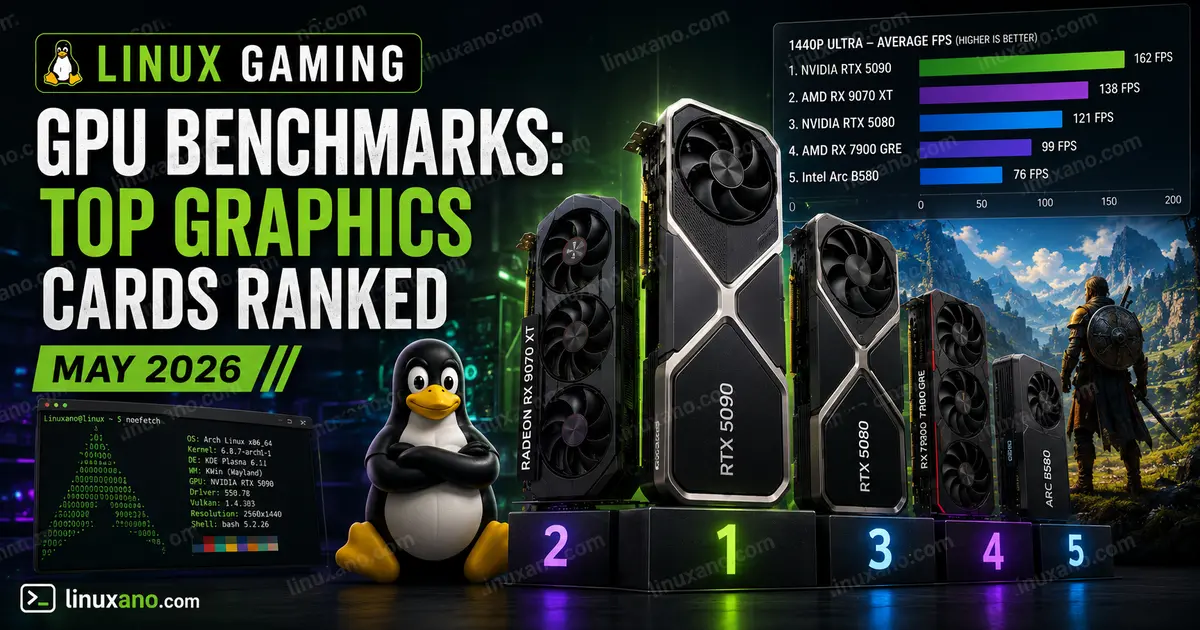
This guide dives deep into Linux Gaming GPU Benchmarks based on the latest real-world testing data available through May 2026. We’ve ranked the top graphics cards across budget, mid-range, and high-end tiers so you can make a smarter buying decision — whether you’re gaming on Ubuntu, Fedora, Arch, or Bazzite.
Why GPU Choice Matters More on Linux
On Windows, almost every GPU from the last decade “just works.” On Linux, the story is more nuanced:
- AMD GPUs use open-source AMDGPU and RADV (Mesa Vulkan) drivers that are baked into the Linux kernel. They tend to offer the most seamless out-of-the-box experience.
- NVIDIA GPUs rely on proprietary closed-source drivers. Installation has gotten easier, and performance is excellent — but driver updates and Wayland support can occasionally cause friction.
- Intel Arc GPUs run on fully open-source drivers and have improved significantly, though Linux performance still lags behind Windows on Battlemage-generation cards due to ongoing driver maturation.
Understanding these differences is crucial before you put down several hundred dollars on a GPU.
How We Evaluated These GPUs
The rankings below are based on:
- Phoronix benchmark data (real Linux-native testing using the Phoronix Test Suite)
- OpenBenchmarking.org community results
- Real-world game testing (Cyberpunk 2077, The Witcher 3, Doom Eternal, Shadow of the Tomb Raider, and more)
- Driver stability over extended use periods
- Proton/Steam compatibility reports from May 2026
All cards were evaluated at 1080p and 1440p resolutions where applicable. Pricing reflects current US market availability.
Linux Gaming GPU Benchmarks: Quick Comparison Table
| GPU | Architecture | VRAM | TDP | Linux Driver Type | Best For | Est. Price (USD) |
|---|---|---|---|---|---|---|
| AMD Radeon RX 9070 XT | RDNA 4 | 16 GB GDDR6 | 220W | Open-source (AMDGPU) | 1440p / 4K Gaming | $599–$749 |
| NVIDIA GeForce RTX 5070 | Blackwell | 12 GB GDDR7 | 250W | Proprietary | 1440p Gaming + AI Features | $549–$650 |
| AMD Radeon RX 7900 XT | RDNA 3 | 20 GB GDDR6 | 300W | Open-source (AMDGPU) | 4K Gaming / High VRAM Workloads | $599–$700 |
| NVIDIA GeForce RTX 4070 Super | Ada Lovelace | 12 GB GDDR6X | 220W | Proprietary | Best 1440p Value | $499–$550 |
| AMD Radeon RX 7800 XT | RDNA 3 | 16 GB GDDR6 | 263W | Open-source (AMDGPU) | 1080p–1440p Gaming | $399–$449 |
| NVIDIA GeForce RTX 4070 | Ada Lovelace | 12 GB GDDR6X | 200W | Proprietary | 1080p–1440p Gaming | $449–$500 |
| Intel Arc B580 | Xe2 (Battlemage) | 12 GB GDDR6 | 190W | Open-source (i915/Xe) | Budget 1080p Gaming | $249–$279 |
| AMD Radeon RX 7700 XT | RDNA 3 | 12 GB GDDR6 | 245W | Open-source (AMDGPU) | Budget 1080p Gaming | $329–$349 |
1. AMD Radeon RX 9070 XT — Best Overall for Linux Gaming
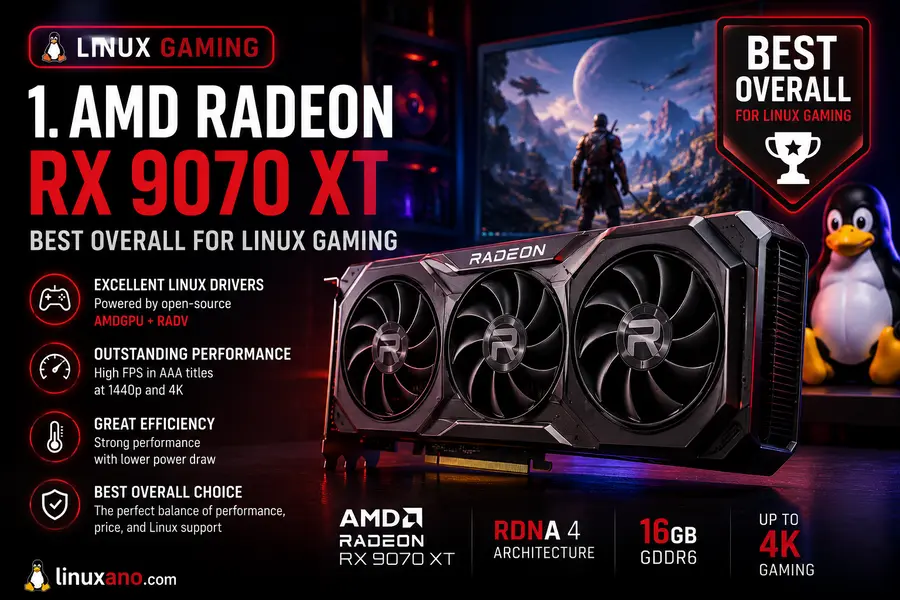
Verdict: The Linux gamer’s dream GPU in 2026
The RX 9070 XT has become the community’s top pick for Linux gaming, and it’s easy to see why. Built on AMD’s RDNA 4 architecture, this card pairs very well with Linux’s open-source AMDGPU/RADV driver stack — no proprietary blobs, no manual driver installation, no headaches.
In real-world Linux benchmarks, the RX 9070 XT is genuinely impressive. Cyberpunk 2077 at 1440p with ultra settings sits around 90–100 FPS, and The Witcher 3 at 1080p actually runs slightly faster on Linux than Windows, reportedly averaging just over 170 FPS compared to around 161 FPS on Windows in some test configurations. That’s not a typo — AMD’s open-source Linux driver is that well-optimized for RDNA 4.
Ray tracing is still the weaker point compared to NVIDIA. The RDNA 4 architecture brought significant RT improvements, but the RADV driver still needs time to unlock all the new hardware capabilities. For pure rasterization gaming, though, this card is outstanding.
With 16 GB of GDDR6 VRAM, you won’t hit memory walls in demanding modern titles or texture-heavy modded games. The card sits in roughly the same performance bracket as the RTX 4070 Ti Super in rasterization workloads.
AMD Radeon RX 9070 XT Specifications
| Architecture | RDNA 4 |
| VRAM | 16 GB GDDR6 |
| Memory Bus | 256-bit |
| TDP | ~220W |
| Linux Driver | Open-source AMDGPU/RADV |
✅ Pros
- Best-in-class open-source Linux driver support
- 16 GB VRAM at this price point is exceptional
- Wayland works out of the box with no workarounds
- Strong Proton and Vulkan performance
❌ Cons
- Ray tracing performance still trails NVIDIA at comparable pricing
- RDNA 4 RT hardware advantages are not fully unlocked in RADV yet
- Availability at MSRP can be inconsistent
2. NVIDIA GeForce RTX 5070 — Best for Features and DLSS 4
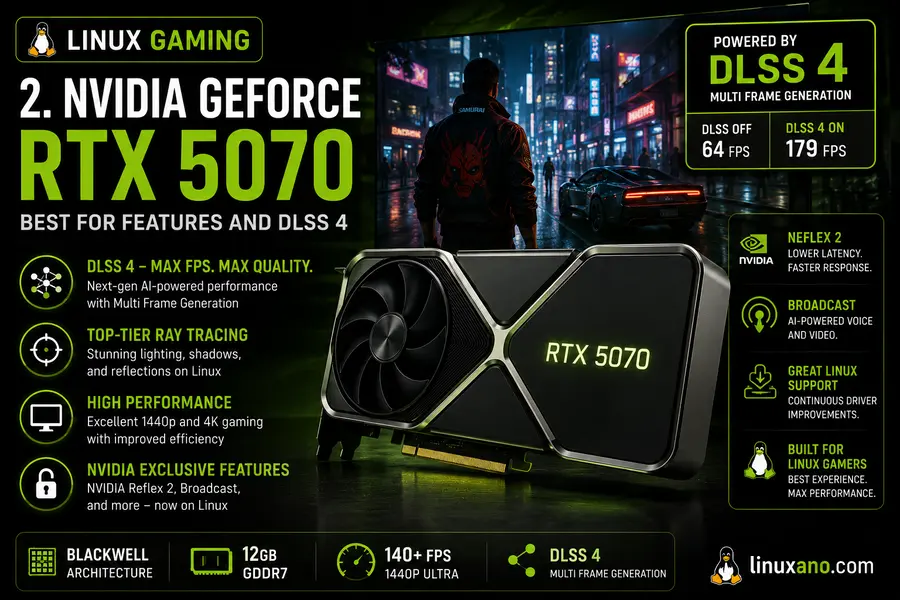
Verdict: Powerful and increasingly solid on Linux
The RTX 5070 is NVIDIA’s mid-to-high-range Blackwell GPU, and it’s worth paying attention to. With 6,144 CUDA cores, a 2.51 GHz boost clock, and 12 GB of GDDR7 memory on a 192-bit bus, it’s a meaningful upgrade over the RTX 4070. NVIDIA’s Linux driver 570.133.07 brought proper Blackwell support, and the RTX 5070 runs well on Ubuntu 24.04 and similar distributions.
In Linux gaming benchmarks, the RTX 5070 delivers strong 1440p performance. It lands roughly between the RTX 4070 Ti and 4070 Ti Super in most rasterization tests — a good position for a card at this price. DLSS 4 works through Steam’s Proton layer, which means you get AI-upscaling benefits in supported titles without needing native Linux ports.
One thing to keep in mind: NVIDIA’s proprietary driver ecosystem, while much improved, still requires a bit more effort during installation compared to AMD on Linux. Wayland support is functional but occasionally has edge case issues depending on your compositor.
NVIDIA GeForce RTX 5070 Specifications
| Architecture | Blackwell (GB205) |
| VRAM | 12 GB GDDR7 |
| Memory Bus | 192-bit |
| TDP | ~250W |
| Linux Driver | Proprietary NVIDIA (570.x Series) |
✅ Pros
- Excellent raw gaming performance at 1440p
- DLSS 4 Multi-Frame Generation works via Proton
- Strong ray tracing output compared to AMD at this tier
- 5th-gen Tensor Cores are useful for AI and machine learning workloads on Linux
❌ Cons
- Proprietary driver can introduce complications after kernel updates
- 12 GB VRAM is less generous than the RX 9070 XT’s 16 GB
- Higher power consumption compared to competing AMD alternatives
3. AMD Radeon RX 7900 XT — High VRAM Monster for 4K
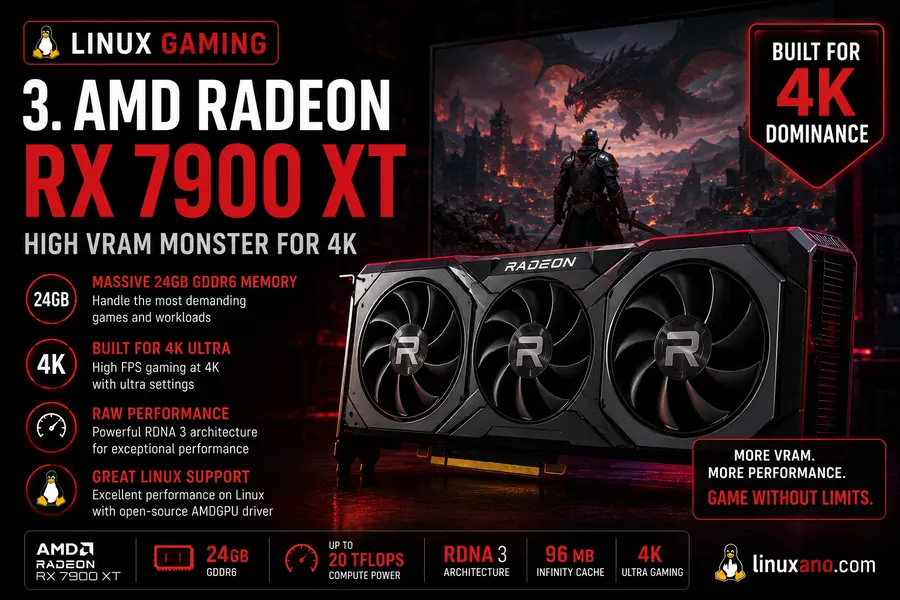
Verdict: Still a top-tier choice if you need raw 4K horsepower and loads of VRAM
Don’t let the “last-gen RDNA 3” label fool you. The RX 7900 XT is a powerhouse with 20 GB of GDDR6 VRAM — a spec that no current-gen GPU at anywhere near this price can match. On Linux, it benefits from the same mature AMDGPU open-source driver stack, making it plug-and-play on virtually every major distribution.
For 4K gaming on Linux, the RX 7900 XT is extremely capable. It handles Doom Eternal, Shadow of the Tomb Raider, and most AAA titles at 4K Ultra with ease. The massive VRAM buffer means no texture pop-in even in heavily modded games.
RDNA 3 architecture is also very well-optimized in Mesa/RADV at this point — the drivers have had more than a year of real-world tuning. If you want a card that “just works” with maximum VRAM and 4K capability, this is one of the best value propositions in the Linux GPU space right now.
AMD Radeon RX 7900 XT Specifications
| Architecture | RDNA 3 |
| VRAM | 20 GB GDDR6 |
| Memory Bus | 320-bit |
| TDP | ~300W |
| Linux Driver | Open-source AMDGPU/RADV |
✅ Pros
- 20 GB VRAM is unmatched at this price point
- Extremely mature open-source Linux driver support
- Excellent 4K gaming performance
- Zero drama with Wayland or Xorg configurations
❌ Cons
- 300W TDP requires adequate case airflow and a quality power supply
- Ray tracing performance lags behind comparable NVIDIA GPUs
- RX 9070 XT delivers similar gaming performance in many titles for less money
4. NVIDIA GeForce RTX 4070 Super — Reliable 1440p Workhorse
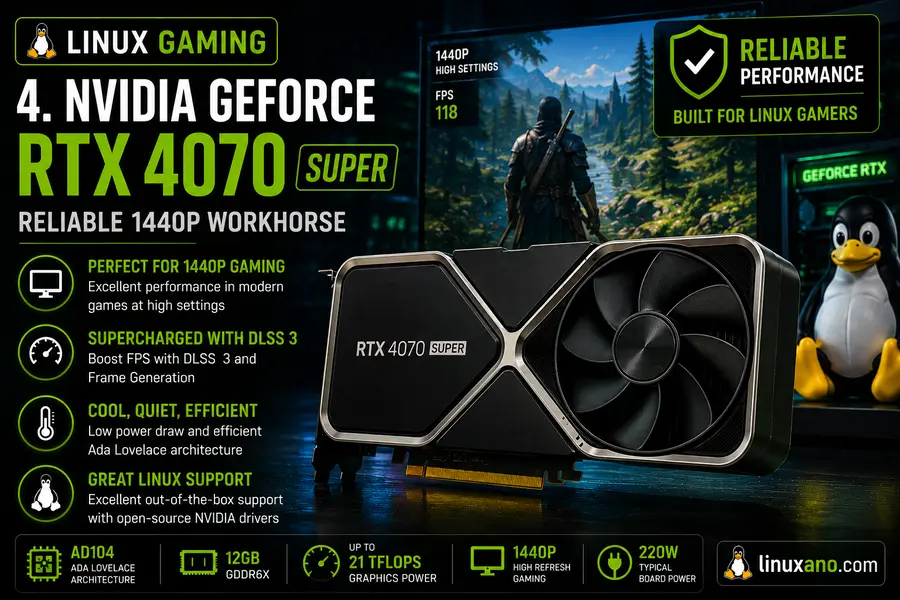
Verdict: A tried-and-tested 1440p GPU with rock-solid Linux driver support
The RTX 4070 Super has been available long enough that its NVIDIA Linux driver support is genuinely excellent in 2026. Driver version 550+ handles this Ada Lovelace card with confidence, and it performs strongly in 1440p gaming. You’ll hit 90+ FPS in most demanding AAA titles at 1440p High/Ultra.
One standout area: DLSS 3 Frame Generation works well through Proton on this card, which can dramatically boost framerates in supported titles. For Linux gamers who want that extra edge in compatible games, the RTX 4070 Super delivers.
It’s also readily available in the US market from vendors like ASUS, MSI, and Gigabyte at prices that have come down from launch MSRP. A solid card for anyone who wants proven NVIDIA Linux performance without paying flagship prices.
NVIDIA GeForce RTX 4070 Super Specifications
| Architecture | Ada Lovelace |
| VRAM | 12 GB GDDR6X |
| Memory Bus | 192-bit |
| TDP | ~220W |
| Linux Driver | Proprietary NVIDIA (550.x+ Series) |
✅ Pros
- Mature and stable proprietary Linux driver
- Strong 1440p gaming performance
- DLSS 3 Frame Generation support via Proton
- Widely available from multiple AIB partners
❌ Cons
- 12 GB VRAM can feel restrictive in some demanding 4K workloads
- Still requires proprietary driver installation compared to AMD’s plug-and-play experience
- RTX 5070 delivers noticeably better performance at a similar or lower price point
5. AMD Radeon RX 7800 XT — Best Value 1080p–1440p Option
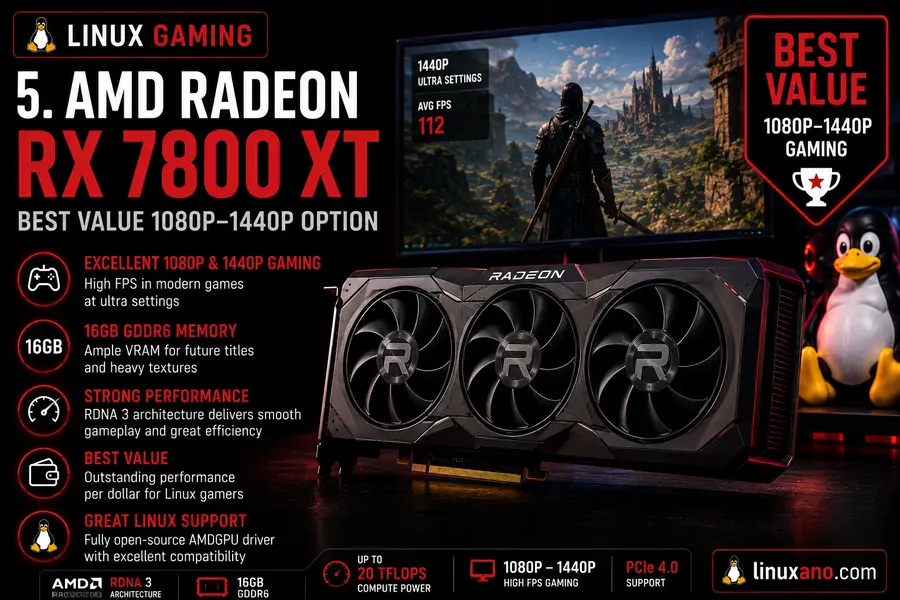
Verdict: The sweet-spot GPU for budget-conscious Linux gamers
If you want excellent Linux gaming without spending over $400, the RX 7800 XT is the card to beat. It’s based on AMD’s well-matured RDNA 3 architecture, uses the same seamless open-source drivers as every other recent AMD card, and delivers consistent 1080p/1440p performance across native Linux and Proton titles alike.
In benchmarks, the RX 7800 XT comfortably sits between budget and high-end. At 1080p High to Ultra settings, you’ll average 80–120 FPS in modern AAA games. At 1440p, it holds up well in most titles, though you may need to drop a couple of settings in the most demanding games.
The 16 GB of GDDR6 VRAM is a genuine bonus at this price. Most cards in this tier ship with 8–12 GB. Having that extra buffer gives this card legs as game VRAM requirements creep upward.
AMD Radeon RX 7800 XT Specifications
| Architecture | RDNA 3 |
| VRAM | 16 GB GDDR6 |
| Memory Bus | 256-bit |
| TDP | ~263W |
| Linux Driver | Open-source AMDGPU/RADV |
✅ Pros
- 16 GB VRAM at the sub-$450 price point
- Flawless out-of-the-box Linux compatibility
- Excellent Proton performance for Windows-exclusive games
- Runs cool and quiet with quality aftermarket AIB coolers
❌ Cons
- 263W TDP is relatively high for this performance class
- Some demanding 1440p games may require graphics settings adjustments
- 4K gaming performance falls behind higher-tier GPUs
6. NVIDIA GeForce RTX 4070 — Reliable, Proven, and Still Relevant
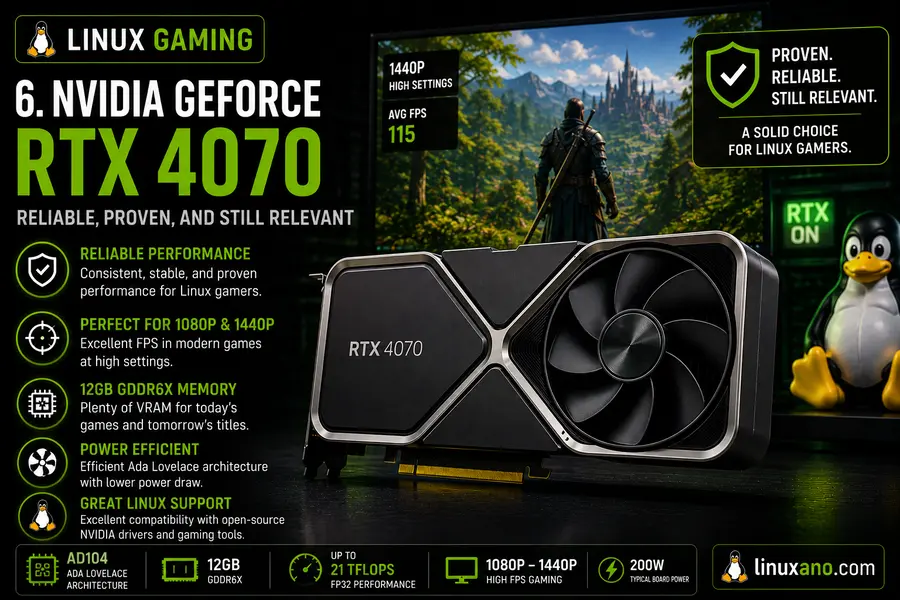
Verdict: A dependable 1440p GPU with excellent Linux driver maturity
The RTX 4070 sits just below the Super variant in performance but comes in at a lower price point. At 1440p, it handles most games with aplomb — expect 70–100 FPS in demanding titles at high settings. On Linux, this card has been in the wild long enough that drivers are thoroughly battle-tested.
For Linux users who value driver stability above cutting-edge performance, the RTX 4070 is a strong choice. It’s a card that will simply work, update after update, without surprises. It’s also an excellent pick for content creators doing GPU-accelerated workloads via CUDA on Linux.
NVIDIA GeForce RTX 4070 Specifications
| Architecture | Ada Lovelace |
| VRAM | 12 GB GDDR6X |
| Memory Bus | 192-bit |
| TDP | ~200W |
| Linux Driver | Proprietary NVIDIA (550.x+ Series) |
✅ Pros
- Very mature and stable NVIDIA Linux driver support
- Lower 200W TDP than many competing GPUs
- CUDA acceleration works exceptionally well for professional Linux workloads
- Strong 1440p gaming performance at reasonable framerates
❌ Cons
- Being replaced by newer GPUs offering better value at similar prices
- Lacks DLSS 4 support and 5th-generation Tensor Cores
- 12 GB VRAM can become a limitation in demanding modern workloads and games
7. Intel Arc B580 — The Budget Pick with Caveats
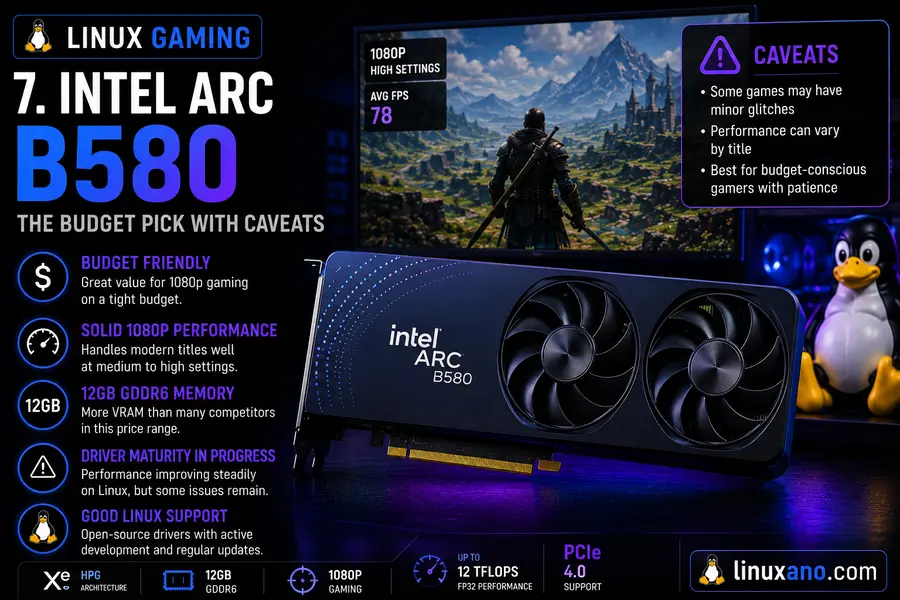
Verdict: Promising budget option, but Linux users should set realistic expectations
The Intel Arc B580 made waves at launch for its Windows gaming performance-per-dollar ratio. At around $249–$279, it punches well above its weight in Windows. On Linux, though, the story is more complicated.
Early Phoronix testing revealed that at launch, the B580 actually underperformed its predecessor, the Arc A770, by roughly 2% across Linux gaming and compute benchmarks — despite being 25% faster on Windows. The core issue is Vulkan driver optimization on Linux; the Battlemage architecture had early teething issues with the Vulkan API that the older Alchemist cards didn’t share.
The good news: Intel contributes heavily to the open-source Mesa driver stack, and these issues are actively being fixed. By mid-2026, Vulkan performance has improved noticeably with newer Mesa releases. If you’re on a tight budget and using a rolling-release distro like Arch Linux (which gets Mesa updates fast), the B580 is workable for 1080p gaming. Just know going in that it may not hit its full potential on stable-release distros using older Mesa versions.
Intel Arc B580 Specifications
| Architecture | Xe2 (Battlemage) |
| VRAM | 12 GB GDDR6 |
| Memory Bus | 192-bit |
| TDP | ~190W |
| Linux Driver | Open-source Intel Xe / Mesa |
✅ Pros
- Cheapest GPU on this list offering 12 GB of VRAM
- Low 190W TDP makes cooling and power requirements easy to manage
- Fully open-source drivers with active upstream Linux development
- Excellent value when paired with the latest Mesa releases
❌ Cons
- Linux Vulkan performance still trails its Windows counterpart in some workloads
- Performance improvements over the older Arc A770 are limited on outdated Mesa versions
- Not the best choice for distributions with slow Mesa update cycles, such as Ubuntu LTS
8. AMD Radeon RX 7700 XT — Budget AMD Option with Full Open-Source Goodness
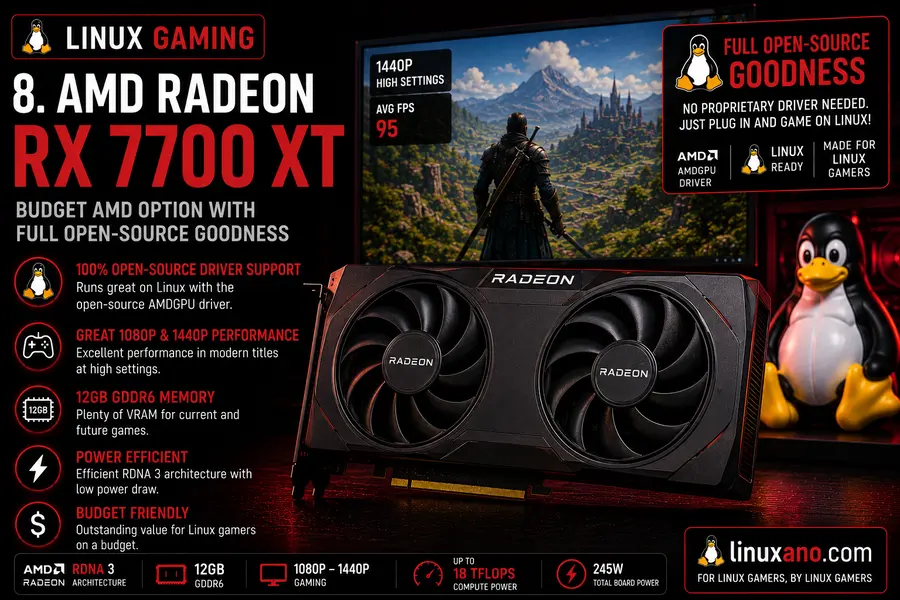
Verdict: A no-fuss entry-level Linux GPU for 1080p gaming
The RX 7700 XT may be the older sibling in AMD’s lineup, but it earns its place on this list by being thoroughly well-supported on Linux. Based on RDNA 3, it benefits from the same mature Mesa/RADV driver stack as the rest of AMD’s lineup. At 1080p, it’s a capable card for most games at High settings.
If you’re building a Linux gaming PC on a budget and want minimal driver headaches, this is your card. It’s a straightforward, dependable option — particularly great for esports titles, older AAA games, and anything running natively on Linux through Steam.
AMD Radeon RX 7700 XT Specifications
| Architecture | RDNA 3 |
| VRAM | 12 GB GDDR6 |
| Memory Bus | 192-bit |
| TDP | ~245W |
| Linux Driver | Open-source AMDGPU/RADV |
✅ Pros
- Mature RDNA 3 Linux driver support
- 12 GB VRAM is solid for modern 1080p gaming
- Excellent Proton compatibility for Windows games
- Widely available at competitive prices from multiple vendors
❌ Cons
- 245W TDP feels high for its overall performance class
- 1440p gaming often requires lowering settings in demanding titles
- Facing increasing competition from newer GPUs at similar price points
AMD vs. NVIDIA vs. Intel on Linux: The 2026 Overview
AMD: The Linux-First Choice
AMD continues to be the recommended brand for most Linux users, especially those who value a hassle-free experience. The open-source AMDGPU and RADV drivers are built into the Linux kernel and Mesa, meaning most AMD GPUs from the last several years simply work out of the box. RDNA 3 drivers are mature and RDNA 4 support (for the RX 9070 series) is progressing quickly. Wayland support is seamless.
NVIDIA: Performance Leader with More Setup
NVIDIA GPUs deliver top-tier gaming performance on Linux, but they do require more setup. You need to install the proprietary driver from NVIDIA’s repository, and kernel updates can occasionally break things until a new driver release catches up. That said, NVIDIA’s Linux driver quality has improved enormously over the past few years. Features like DLSS and ray tracing work well on Linux through Proton. For users comfortable with a bit more configuration work, NVIDIA is a compelling option.
Intel Arc: Best Open-Source Commitment, Patience Required
Intel Arc GPUs use fully open-source drivers and Intel actively contributes upstream to Mesa and the Linux kernel. That’s admirable and bodes well for long-term support. The current Battlemage generation (B580, B570) had a rough start on Linux, but things are improving. As a budget option on rolling-release distros, Intel Arc is increasingly viable. For stable-release distros or users who want maximum gaming performance today, it still trails AMD and NVIDIA.
Best Linux GPU by Use Case
- Best for plug-and-play simplicity: AMD Radeon RX 7800 XT or RX 9070 XT
- Best for 4K gaming: AMD RX 9070 XT or RX 7900 XT
- Best for AI/ML workloads on Linux: NVIDIA RTX 5070 (CUDA) or RTX 4070 Super
- Best budget option: Intel Arc B580 (on updated Mesa) or RX 7700 XT
- Best for DLSS and upscaling features: NVIDIA RTX 5070 or RTX 4070 Super
- Best VRAM per dollar: AMD RX 7900 XT (20 GB) or RX 7800 XT (16 GB)
Linux Gaming Benchmark Tools Worth Knowing
If you want to run your own Linux Gaming GPU Benchmarks, here are the tools the community trusts:
- Phoronix Test Suite — The gold standard for Linux hardware benchmarking. Free and open-source, with hundreds of test profiles.
- OpenBenchmarking.org — Community benchmark database powered by the Phoronix Test Suite.
- GpuTest — Cross-platform GPU stress test that runs natively on Linux.
- vkmark — Vulkan benchmarking tool, useful for testing AMD and Intel open-source driver performance.
- MangoHud + GOverlay — In-game FPS and performance overlay tools for real-world game testing on Linux.
- Steam’s Built-in Frame Rate Counter — Simple but effective for quick in-game testing via Proton.
Tips for Better GPU Performance on Linux
Getting the most out of your GPU on Linux isn’t just about buying the right hardware. A few tweaks go a long way:
- Use a recent kernel. AMD and Intel GPU driver improvements ship with the Linux kernel. Kernel 6.8 and later include notable improvements for RDNA 4 and Xe2 GPUs.
- Keep Mesa updated. AMD and Intel users benefit enormously from up-to-date Mesa. On rolling-release distros like Arch or openSUSE Tumbleweed, you’ll get improvements faster.
- Enable GameMode. Feral Interactive’s gamemode daemon optimizes CPU governor and scheduling when you launch a game. It’s available in most distro repos.
- Use ACO shader compiler (AMD). ACO is Mesa’s AMD Vulkan shader compiler and is now the default. It delivers better performance and compile times than the older LLVM backend.
- Enable Proton Experimental for new titles. The latest Proton Experimental branch often has game-specific fixes before they land in stable Proton releases.
- Wayland vs. Xorg: Wayland is now the recommended display server for AMD and Intel GPUs in 2026. NVIDIA’s Wayland support has improved significantly with recent drivers — most users report a smooth experience on GNOME and KDE Plasma.
Final Verdict
Linux gaming in 2026 is genuinely exciting. The days of Linux being a second-class gaming platform are fading fast, and the GPU benchmarks reflect that. For most users, AMD’s RX 9070 XT is the best all-around GPU for Linux gaming — it’s powerful, well-supported, VRAM-generous, and runs on completely open-source drivers. If you want cutting-edge AI upscaling and ray tracing features and don’t mind the proprietary driver setup, NVIDIA’s RTX 5070 is a compelling choice. Budget builders can look at the RX 7800 XT for a balance of price, performance, and Linux compatibility.
Whatever you choose, run some Linux Gaming GPU Benchmarks of your own with tools like the Phoronix Test Suite to verify your real-world performance. Hardware comparisons are a starting point, not the final word. Happy gaming.
Disclaimer
The information provided in this article is for general informational purposes only. GPU prices, availability, and driver support can change frequently. Always verify current pricing through official retailer websites before making a purchase. Benchmark results may vary depending on your specific hardware configuration, Linux distribution, kernel version, and Mesa/driver version. We are not responsible for any purchasing decisions made based on the information presented here.
🔗 Related Linux Hardware Guides
Looking for more Linux hardware advice? Check out these in-depth guides to help you build, upgrade, and choose the best Linux-compatible systems and components.
About the Author